Newtec Proprietary
Confidentiality: Unrestricted
V1.0
75/314
How to Manage the Device MDM6000 Satellite Modem
11.7.2 Open the CLI using a Terminal Emulator
A terminal emulator is an application that can act as a client for the SSH (Secure Shell) computing
protocol and as a serial console client. In this user manual PuTTY is used as terminal emulator. Go
to the following website http://www.putty.org/ to find the download page for PuTTY.
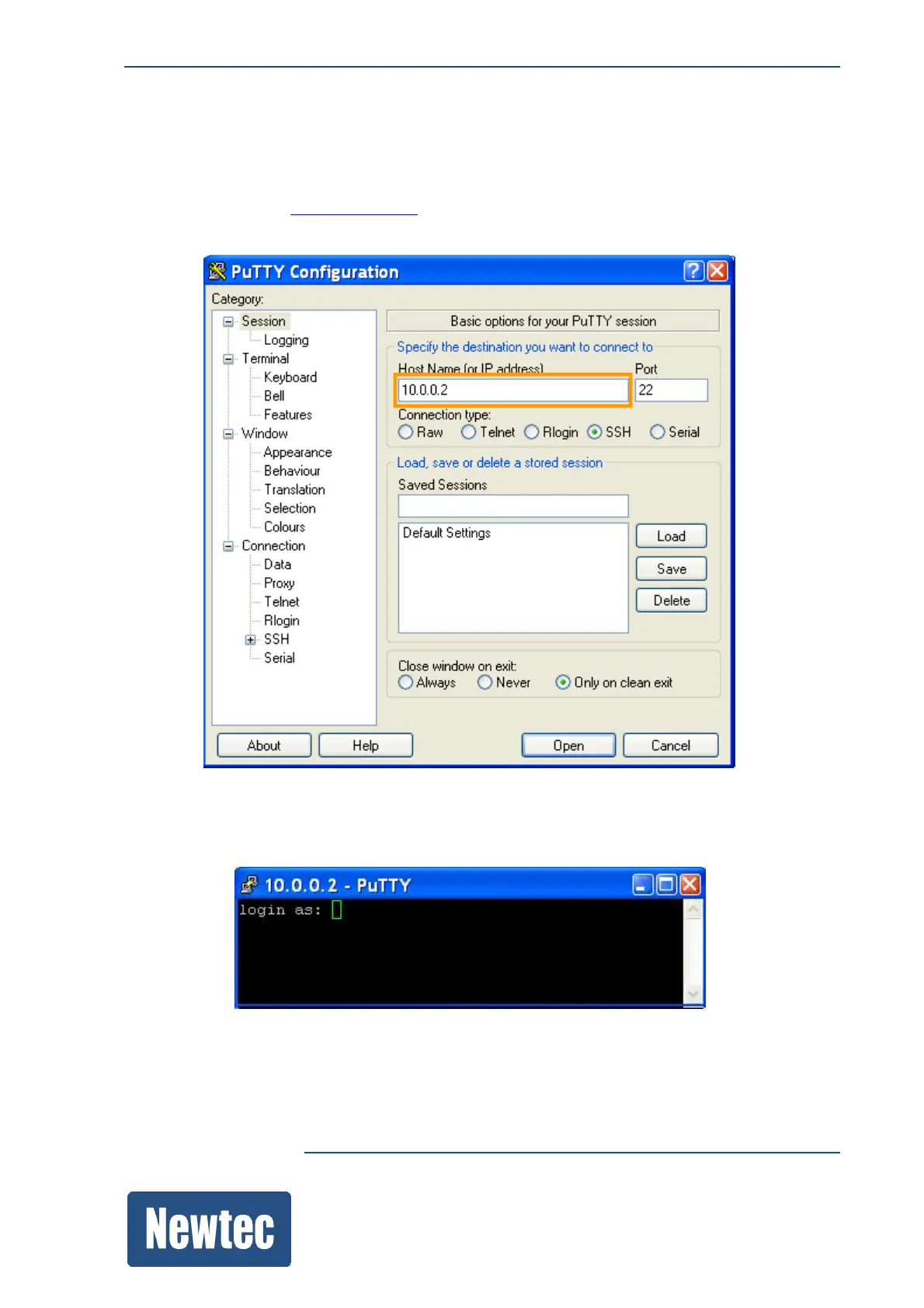
When opening PuTTY the following window is displayed.
» Insert the Management IP address of the device.
By default 10.0.0.1/16.
» Click Open. The Login Screen is displayed.



 To Next Page