Newtec Proprietary
Confidentiality: Unrestricted
V1.0
253/314
Feature Descriptions MDM6000 Satellite Modem
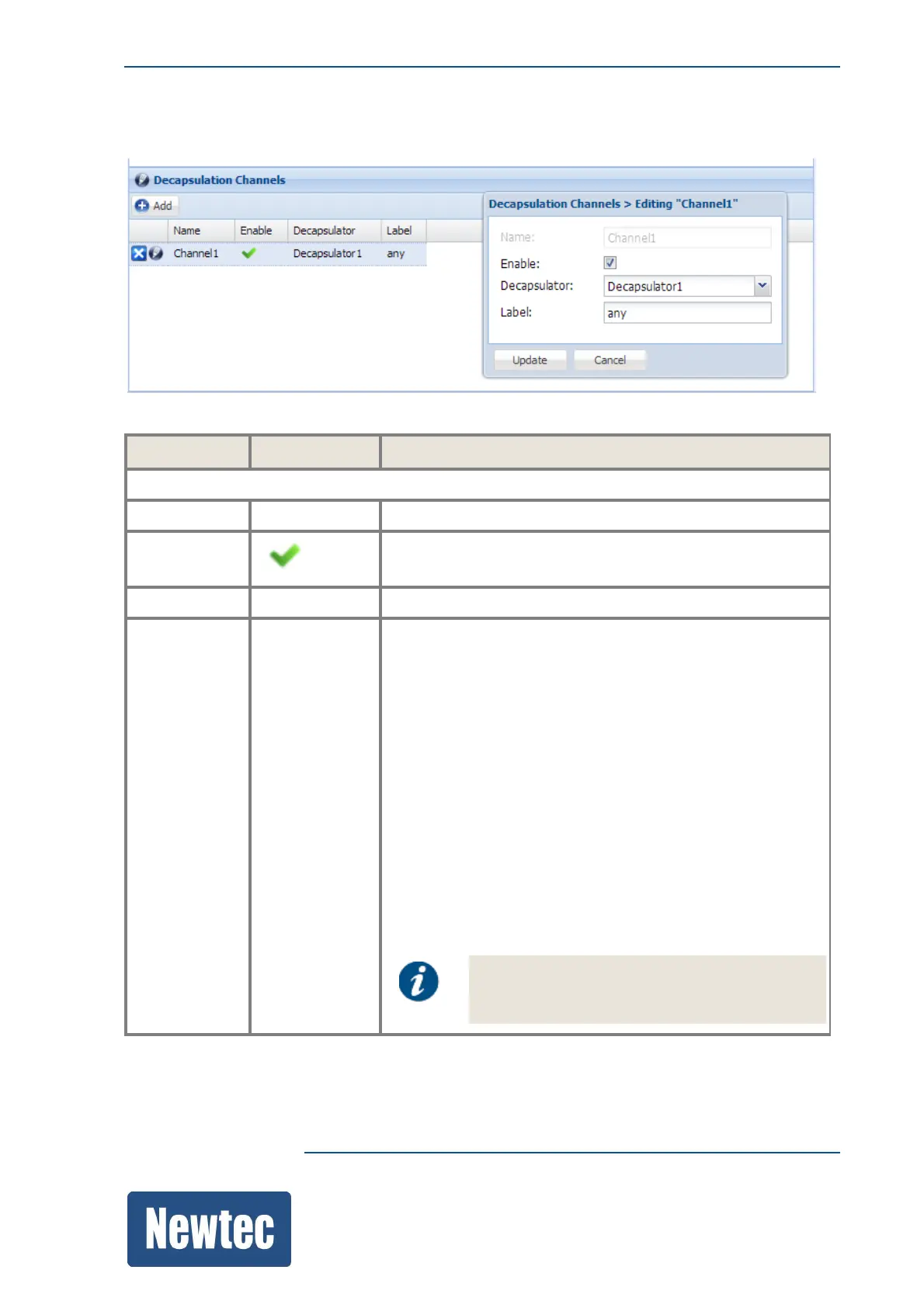
14.12.2.2 BBF Channel Decapsulation
Parameter Value Description
Channels
Name Channel1 Indicate the channel that you want to decapsulate.
Enable Activate the decapsulation of the channel.
Decapsulator Decapsulator1 Select the decapsulator name.
Label The label is used by the receiver for filtering purposes. The
receiver must interpret the label to see whether or not
packets are available for decapsulation.
When the label is present and it does not match with the
label known in the receiver, the packet is discarded.
Fill in one of the following options:
• Specific Label = 11:11:11:11:11:11/48 (This is the default
value, change the value according to the label of the
packets you want to receive. It is possible to a receive a 3
or 6 bytes label according to the system setup.)
• Any Label = any ( With this value the receiver filters the
packets which have a label, but with any value for the
label.)
• "" = Leave the field blank (With this value the receiver
only filters the packets where no label is present.)
Note that label is also know as AirMAC (for
example in the Newtec Elevation devices this
term is used).



 To Next Page