Newtec Proprietary
Confidentiality: Unrestricted
V1.0
124/314
General Device Settings and Actions MDM6000 Satellite Modem
12.13.1 Configure the Controle Plane
Navigate to the following location:
MDM6000 Satellite Modem >> Device Setup >> Control Plane
The following table shows the available control plane parameters.
Parameter Value Description
Terminal ID 0 - 65277 The terminal ID of this device.
This ID is used by the receiving site to verify the
origin of the signaling message.
This is important in a point to multipoint system
setup.
For example: When FlexACM is enabled in a
point to multipoint setup, the ACM controller must
be able to identify the terminal ID so the
MODCOD change is performed for the correct
ACM client.
Enable On / Off Activate / deactivate the control plane.
Master IP Refer to the next section: .MasterIPonpage124.
12.13.2 Master IP
The master IP address is displayed when the IP encapsulation/decapsulation is
performed on another device.
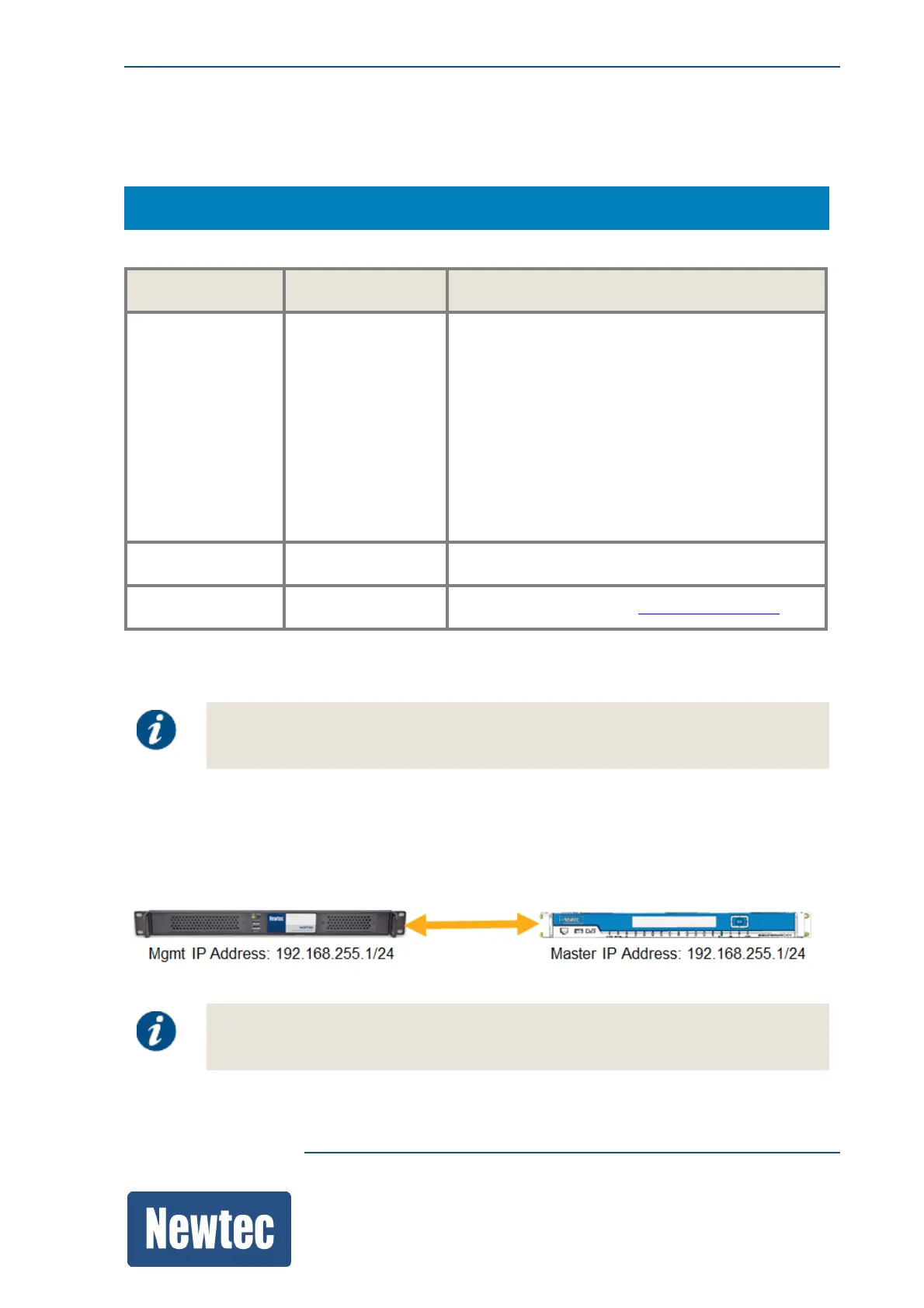
The master IP is used to establish IP connectivity for in-band signaling between two devices.
Enter (or copy) the management IP address used on the device that performs the IP
encapsulation/decapsulation. The following figure shows the use of the master IP Address.
(Note, that the same IP address is used to setup a vpn tunnel between the two devices.)
Due to the use of vpn tunneling the in-band signaling IP connectivity is completely
separated from the management traffic and data traffic!



 To Next Page