Newtec Proprietary
Confidentiality: Unrestricted
V1.0
226/314
Feature Descriptions MDM6000 Satellite Modem
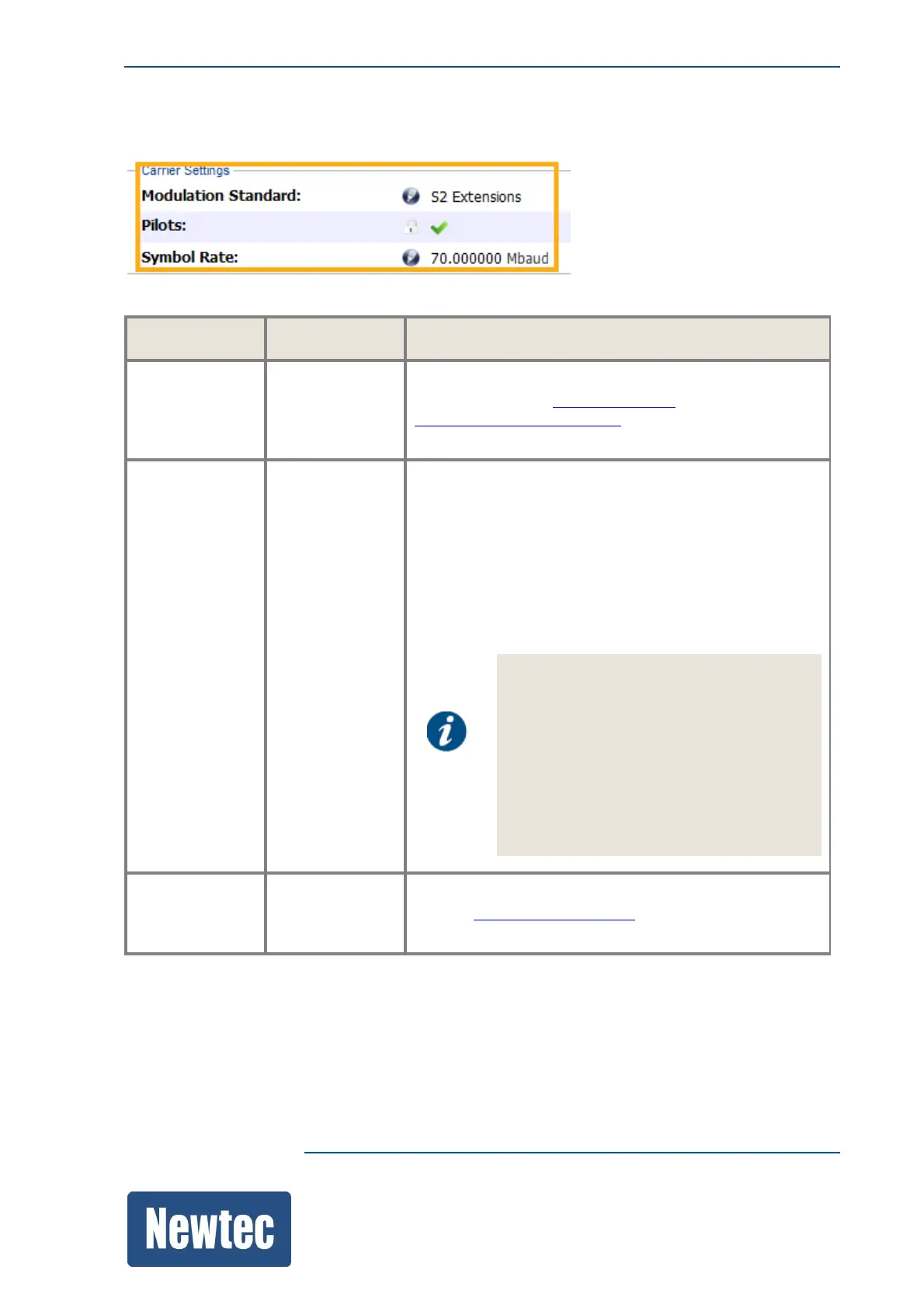
14.11.1.1 Carrier Settings
Parameter Value Description
Modulation
Standard
DVB-S2 /
DVB-S2X/
S2 Extensions
Displays the modulation mode that is used.
Refer to the section Optionsonpage10 and
DeviceIdentificationonpage107 to see the options
available on the device.
Pilots On/Off Pilots are modulated symbols grouped in blocks that are
added on the physical layer framing level.
• Use pilots to increase the reliability of the receiver
synchronization. (Increasing the performance and
robustness of the demodulator.)
• Pilots reduce the influence of phase noise in the
system.
In general it is advised to use
pilots(especially in the following cases).
• When a noticeable amount of phase
noise is present (for example LNBs with
"bad" phase noise);
• At low data rates ;
• When distortion is present on the signal,
for example due to non-linearity.
Symbol Rate ... Mbaud Displays the configured symbol rate.
Refer to SymbolRateonpage178 to set the value
according to the system setup.



 To Next Page