Newtec Proprietary
Confidentiality: Unrestricted
V1.0
62/314
How to Manage the Device MDM6000 Satellite Modem
11.5.12 Parameters in the GUI
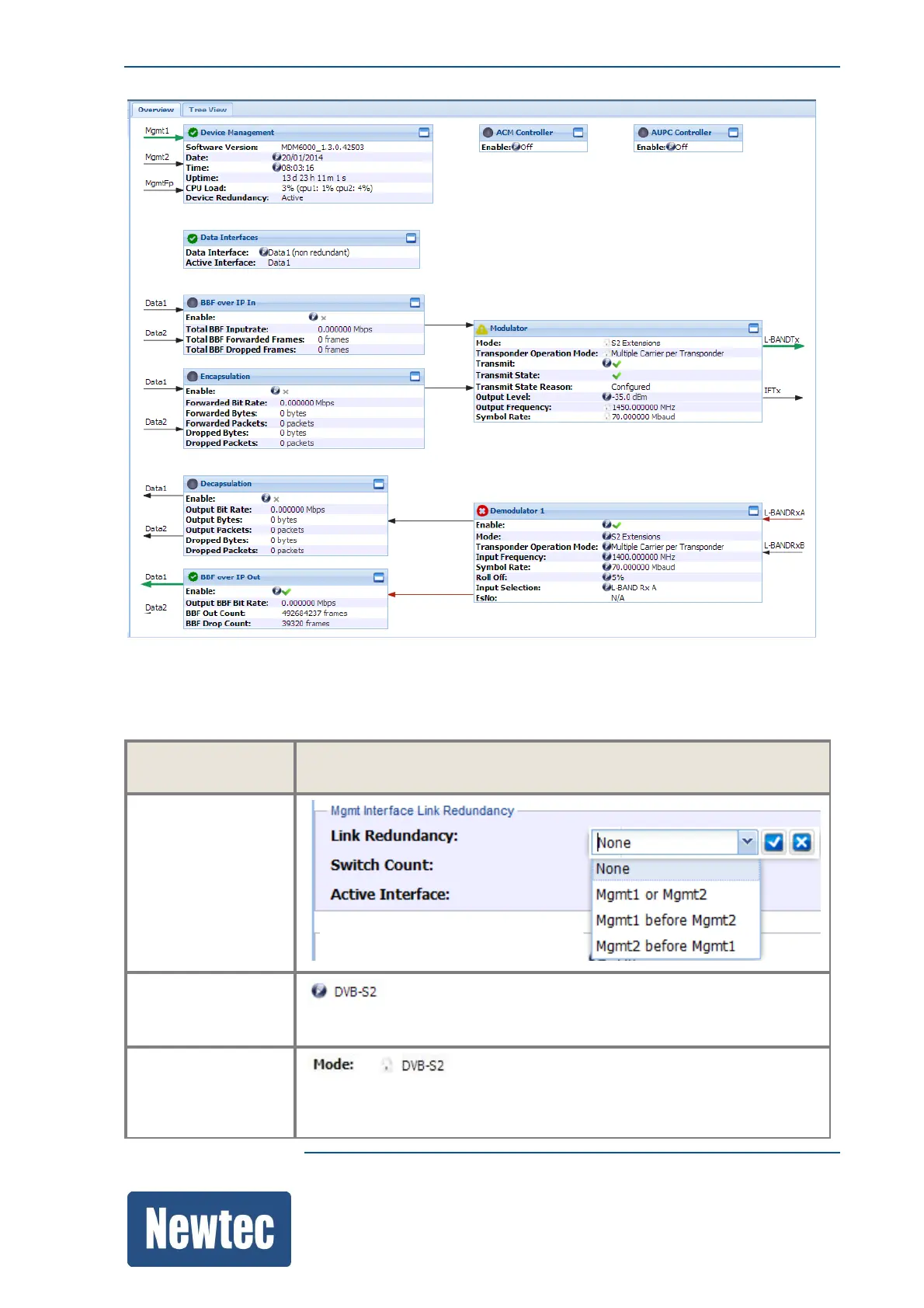
The GUI contains different types of parameter dialogue boxes to configure all parameters.
Dialogue box
Type
Example
Drop-down-list-box
Edit
This pencil icon indicates that it is possible to edit the parameter.
Lock
The lock icon indicates that it is not possible to edit the parameter.



 To Next Page