Newtec Proprietary
Confidentiality: Unrestricted
V1.0
96/314
General Device Settings and Actions MDM6000 Satellite Modem
12.3.1 Configuration File
There are two kinds of configuration sets stored on the device:
• Configuration files with device specific parameters;
• Configuration files with application specific parameters.
Device Specific Parameters
These parameters are used to set up device specific settings and they are excluded from the
imported/exported configuration files.
These parameters are automatically saved. This is done to avoid losing connectivity with the device
after loading a new configuration file or after a redundancy switch-over. The device specific
parameters are:
– Mgmt Gateway IP Address;
– Mgmt Interface IP Addresses;
– Data Interface IP Addresses (the virtual IP Addresses not included);
– Device Identification Label;
– Link Redundancy priority (None, Mgmt1 or Mgmt2, Mgmt1 before Mgmt2, …);
– Device Redundancy state (Enable, Initial State, Operational State).
The device specific parameters cannot be consulted or exported to an XML file.
Application Specific Parameters
These parameters are specific for the application settings.
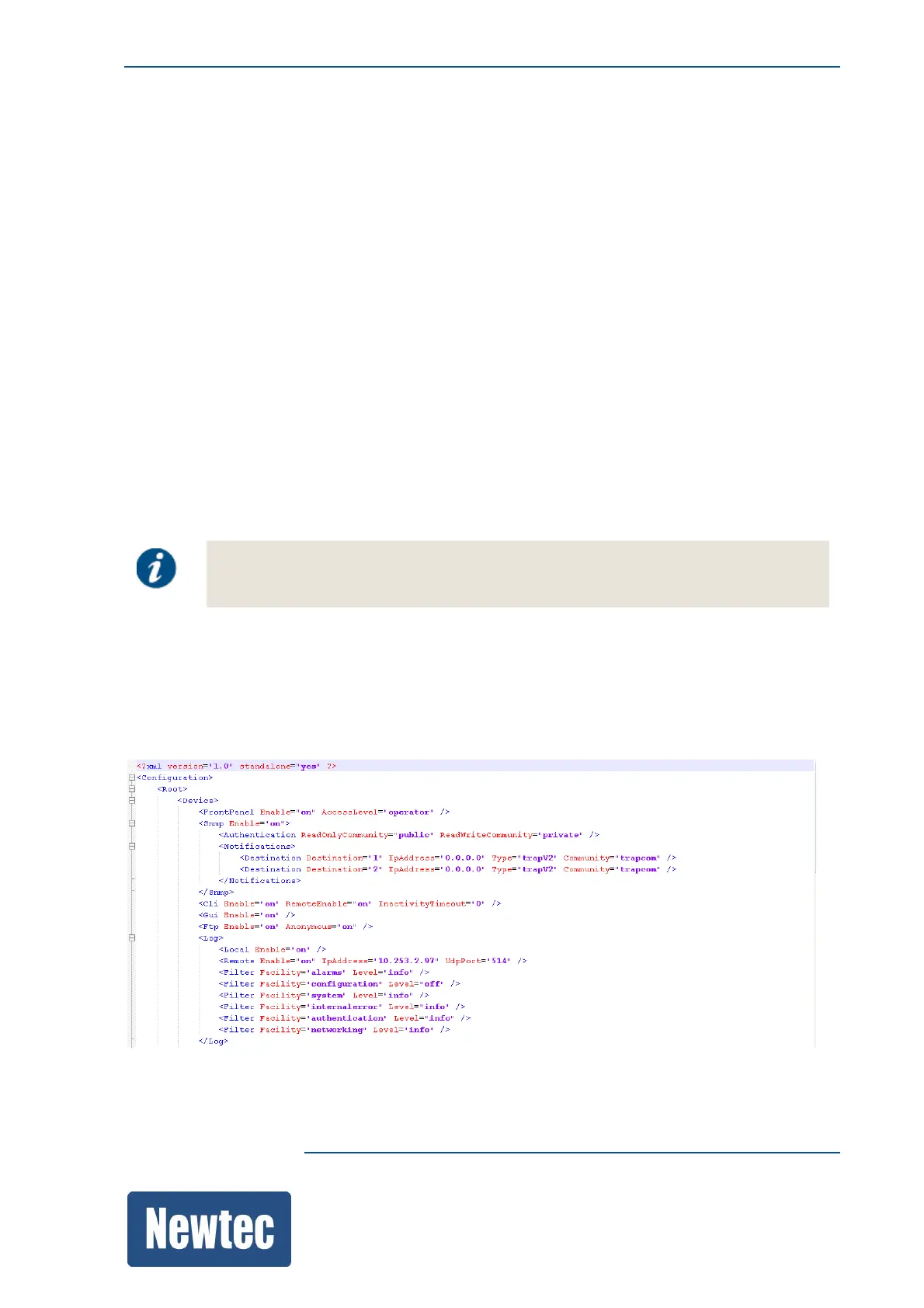
All these settings are stored in an XML file. The following figure is an extract of such an XML file.
The XML or configuration file provides the possibility to import or export the device application
specific parameters. This configuration file can be useful as a back-up file, to debug or configure the
device offline.



 To Next Page