Newtec Proprietary
Confidentiality: Unrestricted
V1.0
86/314
How to Manage the Device MDM6000 Satellite Modem
11.7.13.1 Show Tables
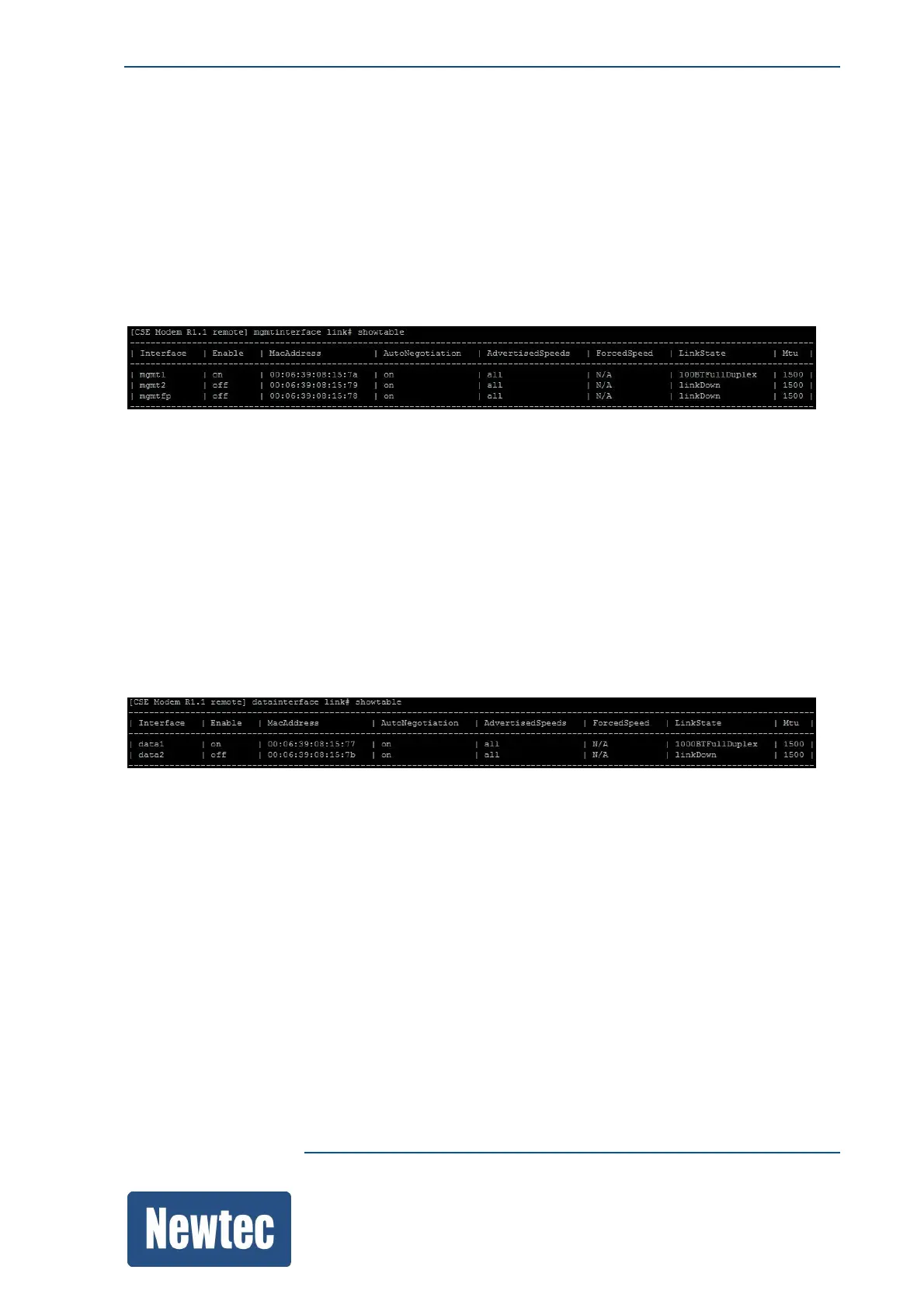
Use the following command to show a table in the CLI.
"showtable"
For example:
MDM6000 Mgmt interface link#showtable
11.7.13.2 Change Parameters in a Table
To access or change a specific row, type its row key and enter or specify the parameter you want to
access or change.
For example:
MDM6000 datainterface link# showtable
MDM6000 datainterface link# data2 set enable=on
OK
11.7.13.3 Add a New Row to a Table
In case of empty tables, the command showtable only shows the column headers.
This indicates the different parameters that can be defined for a row in this table.
To create a new row , use the command "new".



 To Next Page