Newtec Proprietary
Confidentiality: Unrestricted
V1.0
64/314
How to Manage the Device MDM6000 Satellite Modem
11.5.13 Update or Configure Parameters in a Table
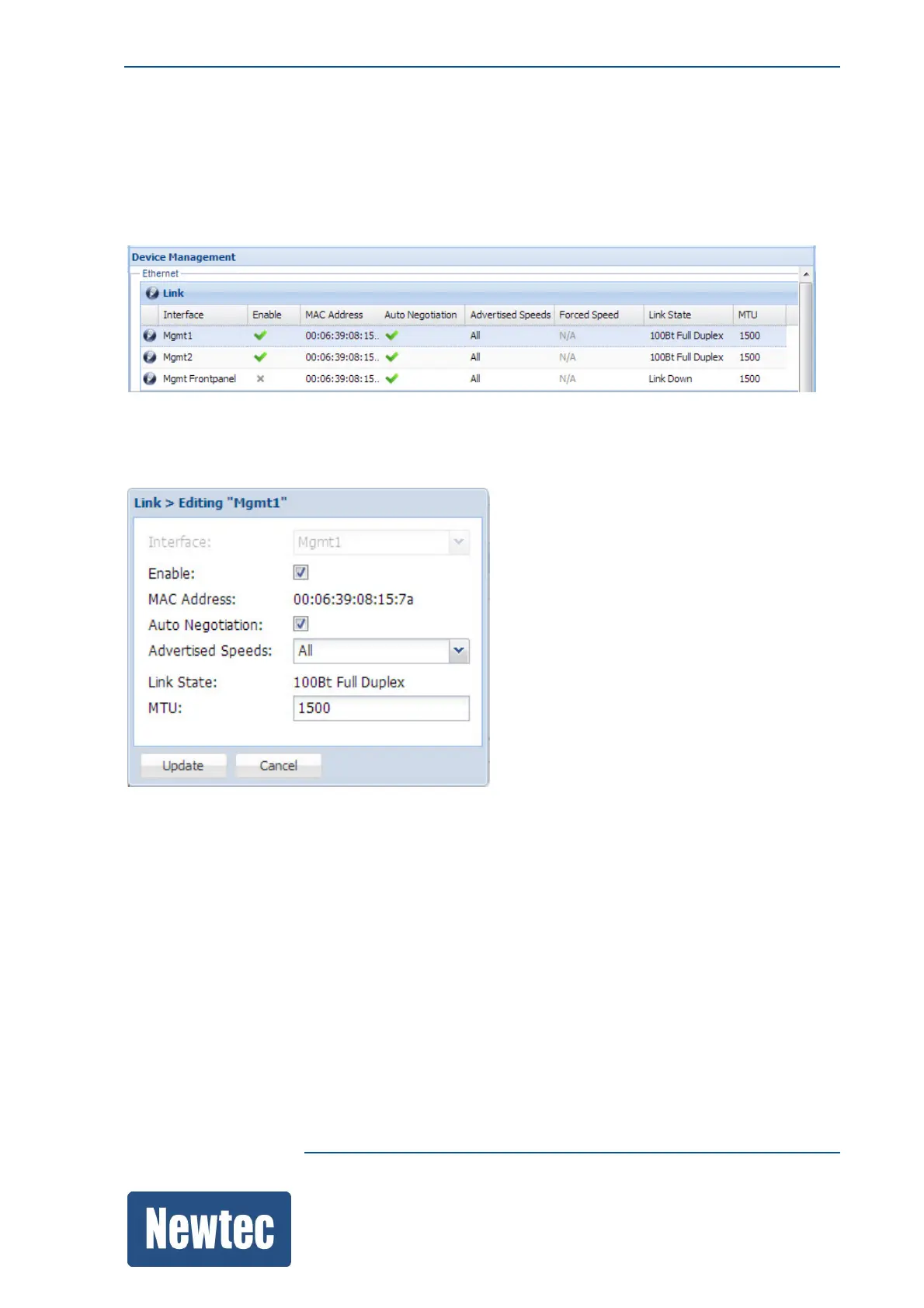
The GUI uses popup windows to update or configure the parameters that belong to a table.
For example:
» Click the pencil icon in front of the parameter row you want to update or configure.
(A new window pops up)
» Select and/or enter all parameters according to the network requirements.
» Click Update to confirm the new settings.



 To Next Page