Newtec Proprietary
Confidentiality: Unrestricted
V1.0
50/314
How to Manage the Device MDM6000 Satellite Modem
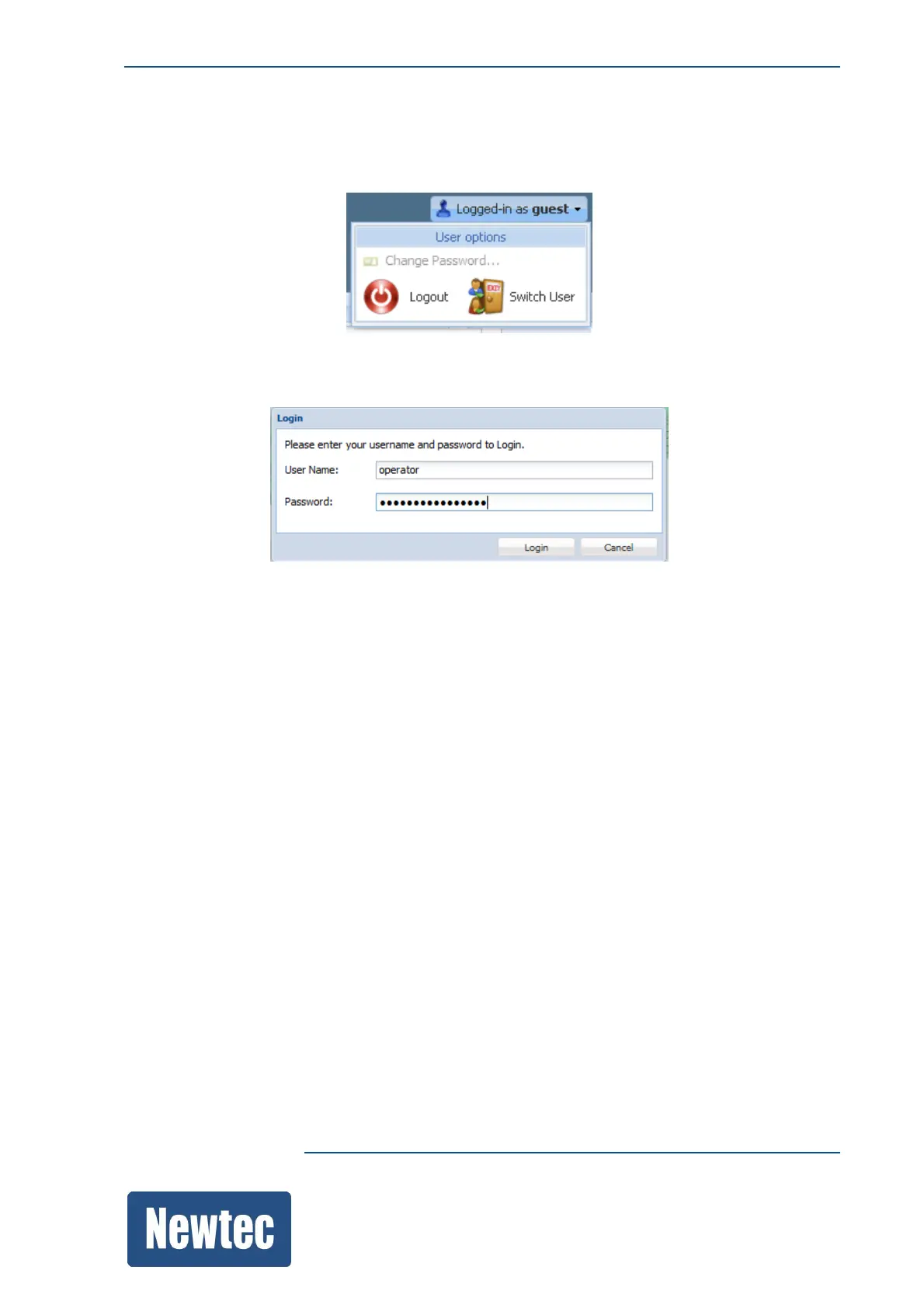
11.5.3 Switch User Profile
» Click logged in as guest/operator/expert (The User options window is displayed.)
» Click Switch User to change the user profile. (The Login window is displayed.)
The default User Name and password for the operator profile is as follows:
– User Name: operator
– Password: operatoroperator
The default User Name and password for the expert profile is as follows:
– User Name: expert
– Password: expertexpert



 To Next Page