Newtec Proprietary
Confidentiality: Unrestricted
V1.0
148/314
Data Interfaces MDM6000 Satellite Modem
13.5 BBF over IP Out
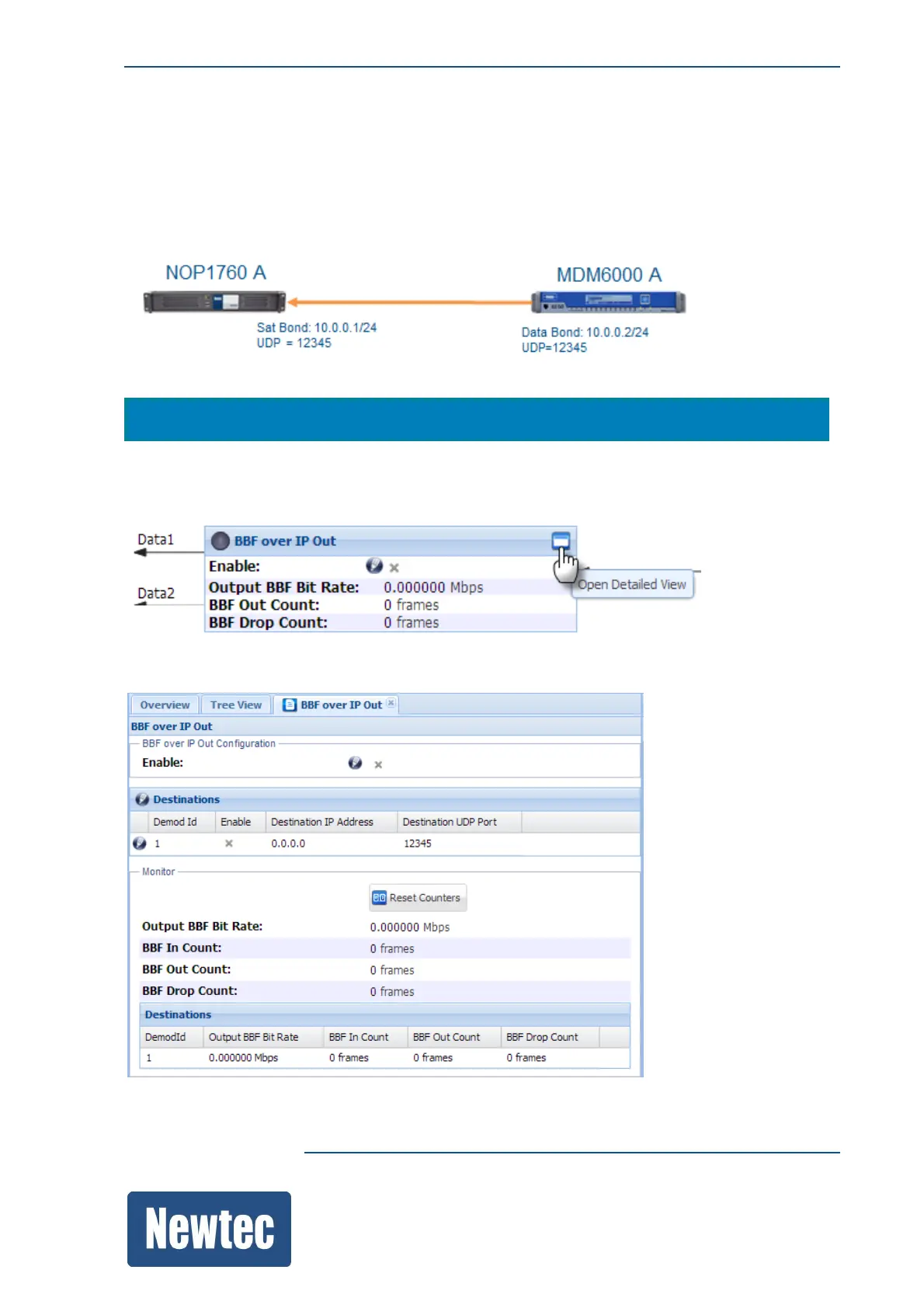
The received RF signal is demodulated and put into BBFs.
These BBFs are inserted into the BBF over IP Out functional block. This functional block is the
interface between the MDM6000 and the receiving device (NOP1760). Please refer to the following
figure.
Navigate to the following location to configure the parameters.
MDM6000 >> BBF over IP Out
or via the function control window.
Click on BBF over IP out functional block, open detailed view.
The following window is displayed:



 To Next Page