Newtec Proprietary
Confidentiality: Unrestricted
V1.0
211/314
Feature Descriptions MDM6000 Satellite Modem
14.8.5.3 AUPC Controller Monitoring Parameters
The following table describes the different AUPC monitoring parameters.
Parameter Description
Forward configuration counter Displays the number of forwarded configuration
messages.
Client feedback counter: Displays the number of received client feedback counter
messages.
Power request counter Displays the number of power updates.
Requested modulator power Displays the amount of power requested by the
modulator.
Current modulator power Displays the power that is currently available on the
modulator.
Note: the current and the requested modulator power will
typically show a delay that is related to the
round-trip-time over satellite and the configured
controller parameters.
14.8.5.4 Configure the AUPC Client
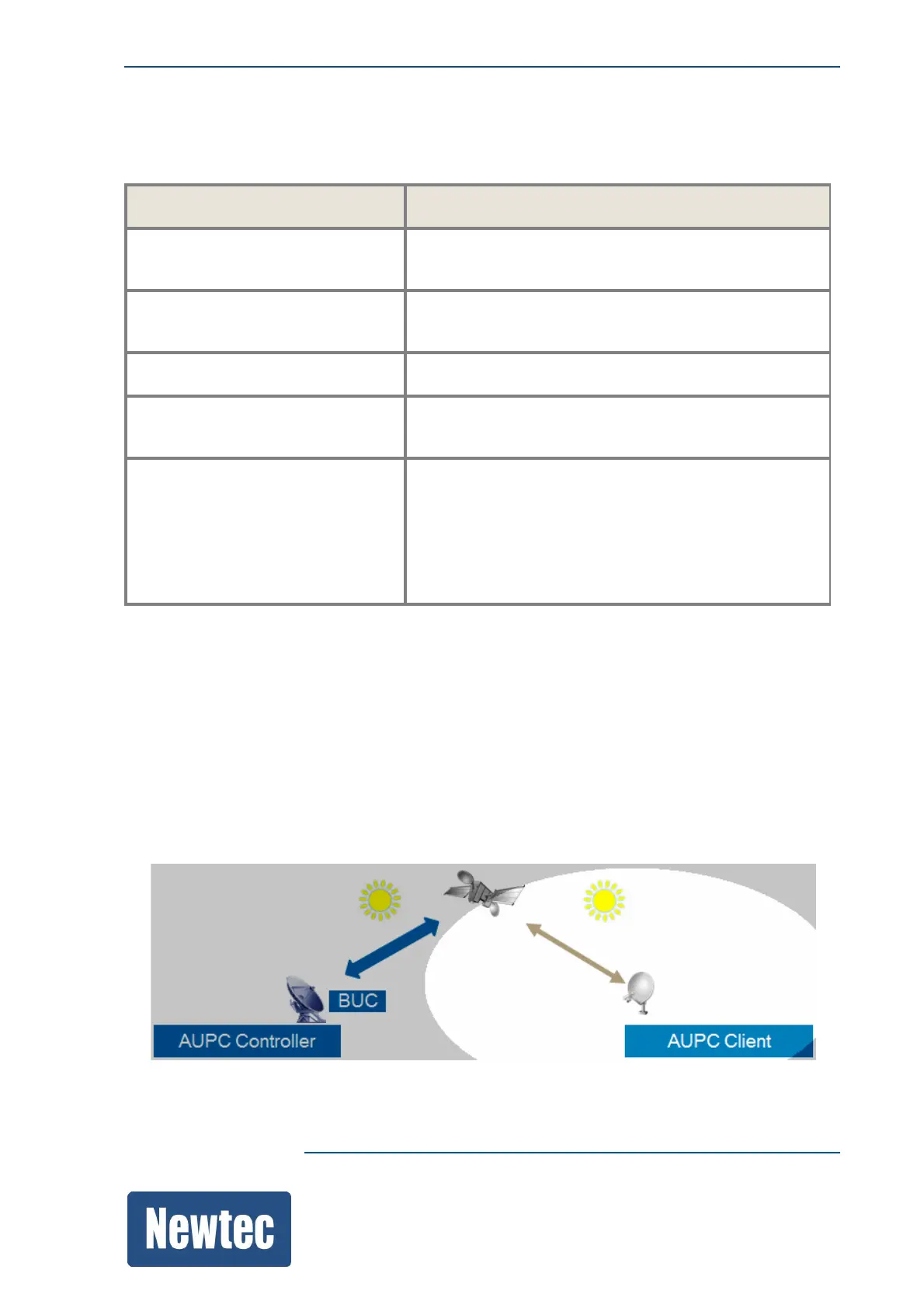
The following figure shows the AUPC client and the clear weather conditions that should be
respected during configuration of the AUPC feature.
The following steps should be performed:
• The ACM client must be enabled;
• The Nominal input level should be calibrated to the input level measured at installation.
The AUPC Client monitors the input level and the Es/No value.



 To Next Page