Newtec Proprietary
Confidentiality: Unrestricted
V1.0
117/314
General Device Settings and Actions MDM6000 Satellite Modem
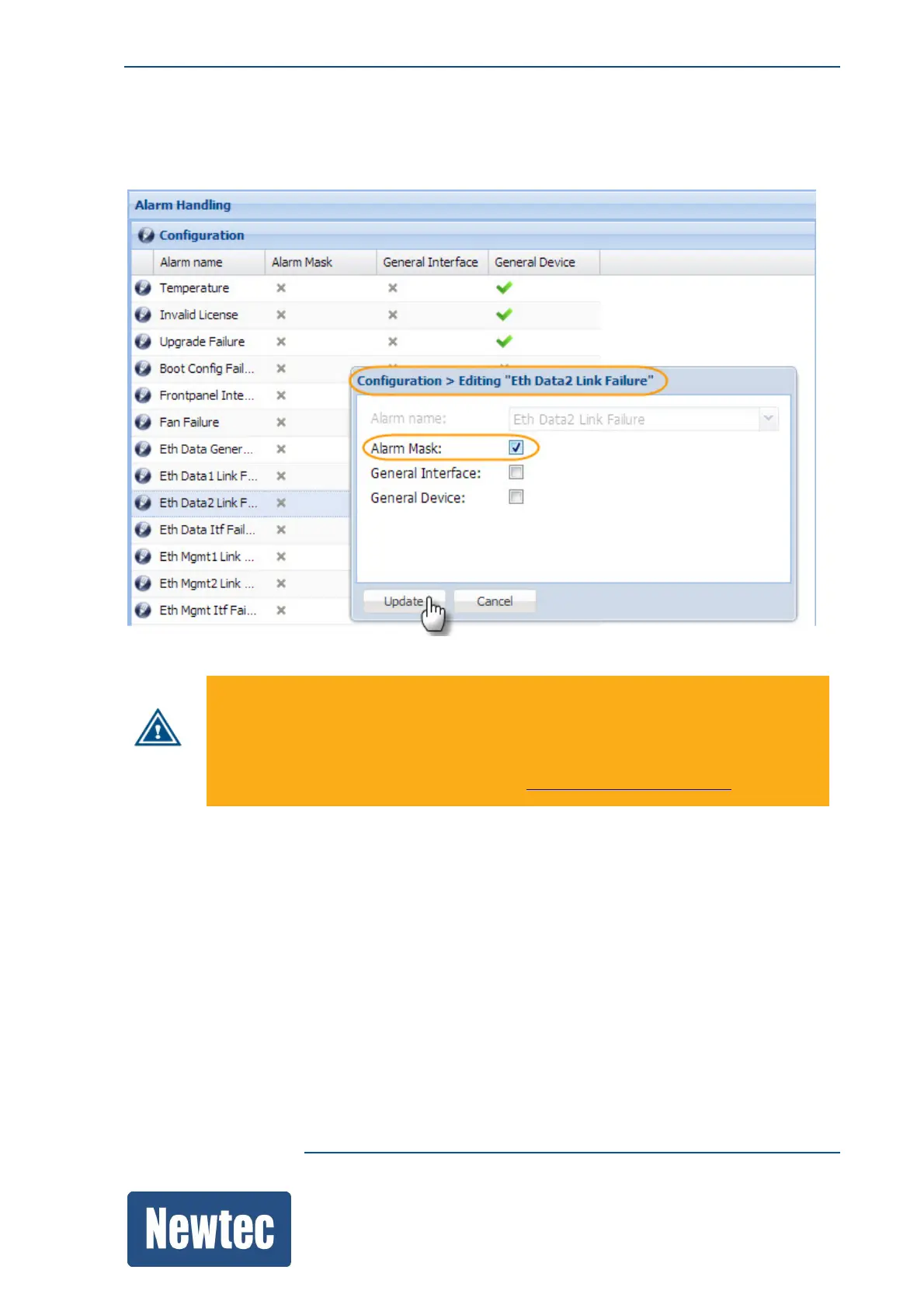
12.12.1 Alarm Masking
You can mask individually selected alarms. This means that you can hide alarms.
Be careful when configuring this, as a masked alarm is not recognized anymore by the
MDM6000.
Alarm masking can also impact device redundancy, this because the alarm is not propagated
into a general device or a general interface alarm.
For more information please refer to section: AlarmConfigurationonpage118 .
Example on the behavior of a masked alarm.
Eth Data2 Link Failure: Alarm Mask = Off
1. No active alarms are present (normal behavior of the MDM6000);
2. The Ethernet cable of Eth Data2 is removed;
3. The Eth Data2 Link Failure alarm is raised.
– On the front panel the active alarm LED lights up according to the alarm that is present;
– On the overview page of the GUI the Data2 arrow turns red;
– The Alarm Pane shows the following:



 To Next Page