Newtec Proprietary
Confidentiality: Unrestricted
V1.0
109/314
General Device Settings and Actions MDM6000 Satellite Modem
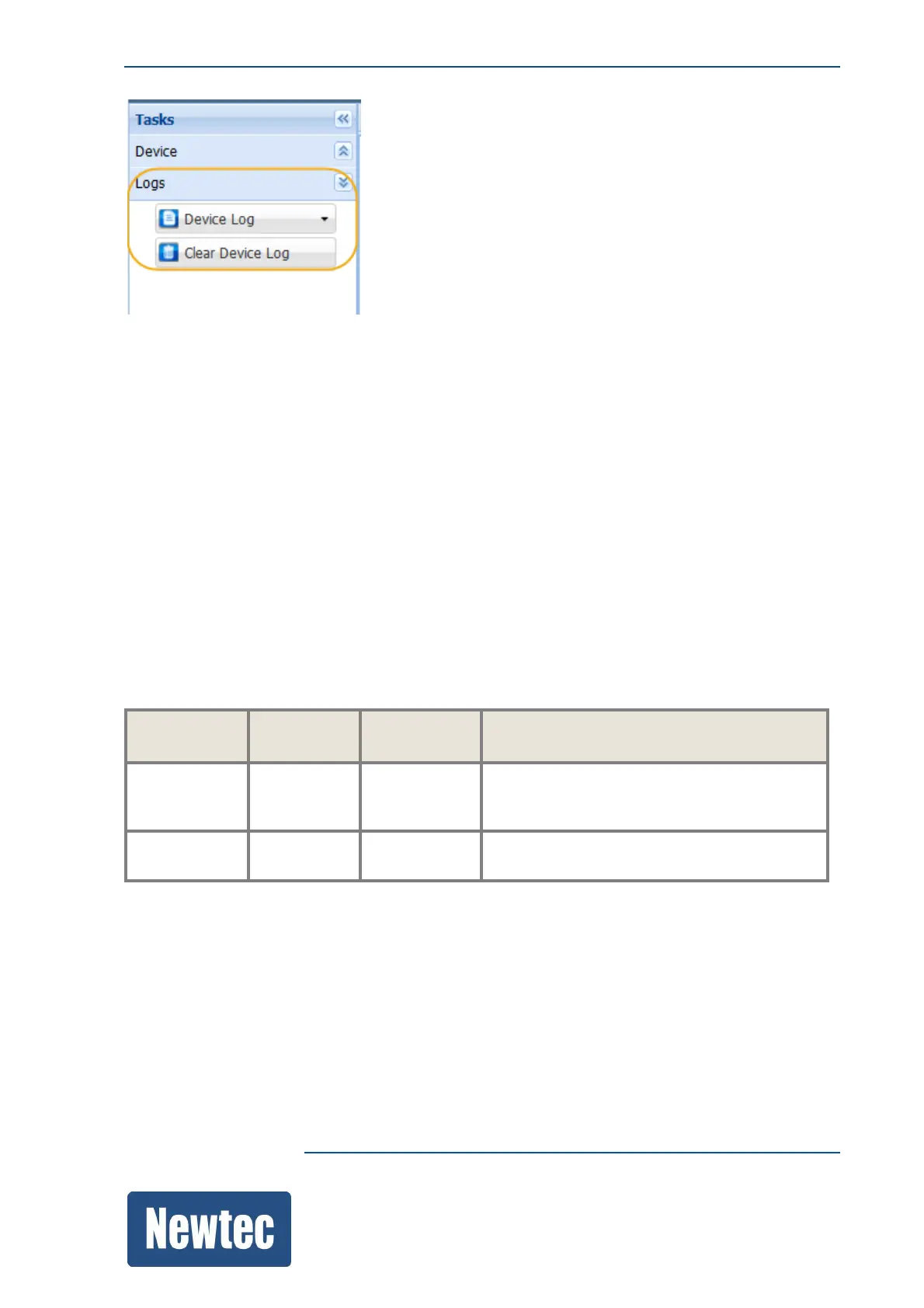
» Click Device Log.
Use this menu to View or Download the local board logging file.
• When a view is requested, the log file is opened in a separate browser.
• When a download is requested, a text file is downloaded.
• When a Clear Device Log is requested, the logging information is removed.
A new log file is started. This can be useful to perform debugging.
12.6.3 Interpretation of a Device Log File
A standard log file looks as follows:
[configuration-INFO][2012-12-16 10:27:53] writeValue
/Root/SystemAlarm/Log/Source=GeneralInterface
[alarms-INFO][2012-12-16 10:27:54] alarm General Interface: OFF
Facility Log Level Time
Stamp
Extra information about the action taken
[configuration
- INFO] [2012-12-16
10:27:53]
writeValue
/Root/SystemAlarm/Log/Source=GeneralInte
rface
[alarms -INFO] [2012-12-16
10:27:54]
alarm General Interface: OFF



 To Next Page