Newtec Proprietary
Confidentiality: Unrestricted
V1.0
187/314
Feature Descriptions MDM6000 Satellite Modem
14.6.12.2 Make the Backup Carrier Permanent
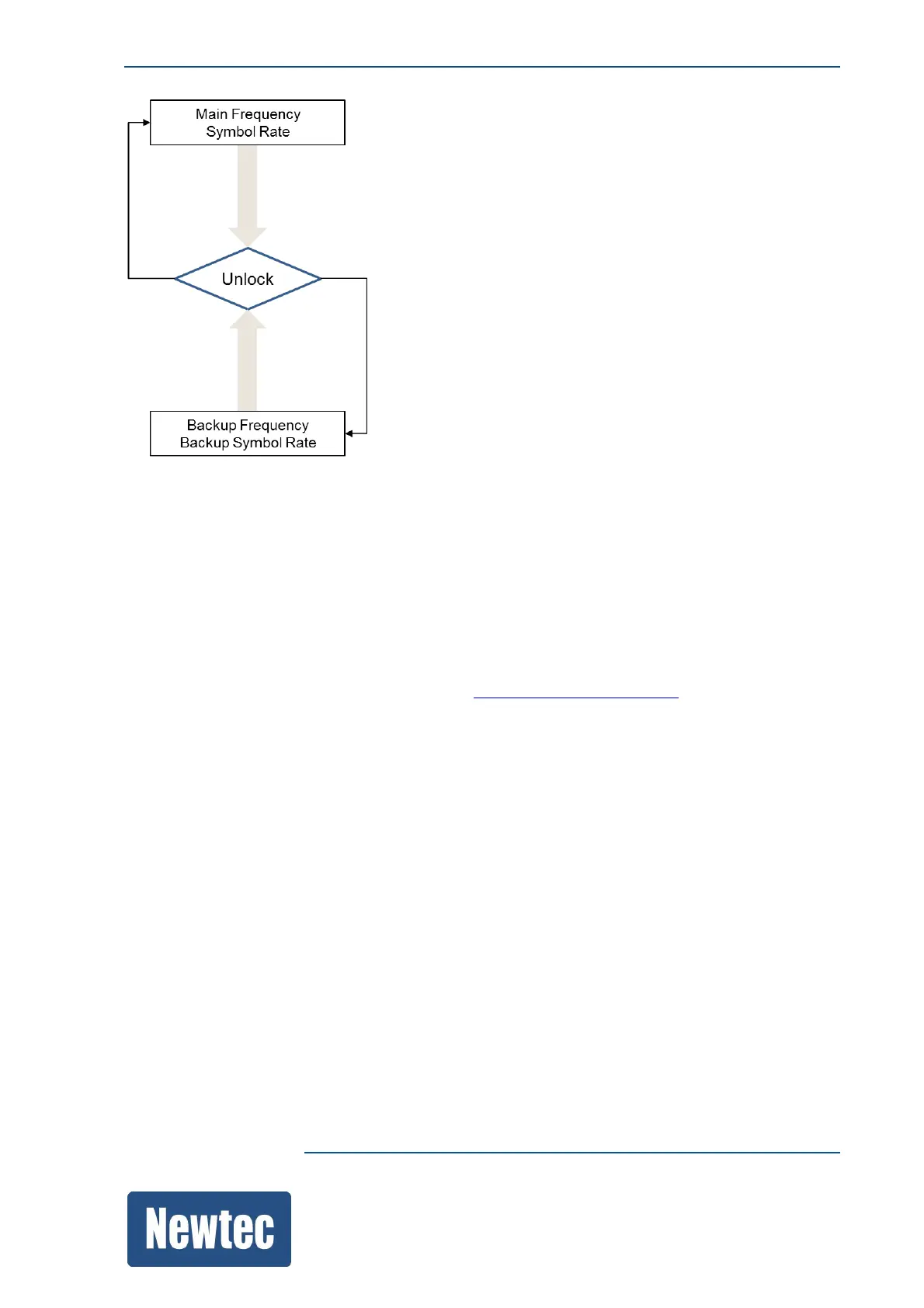
Once the system setup is in a stable situation and the migration to the new frequency is (backup
frequency) is performed
Once the system setup is migrated to the new frequency (backup frequency) it is possible to make
the backup frequency permanent. This means that it becomes the main frequency. To do this:
» Disable the Backup Carrier Enable setting.
The backup carrier input frequency value is written to the input frequency.
» Save the configuration (please refer to section: SaveaConfigurationonpage99.



 To Next Page