100 Chapter 3 Use the Océ TDS700 flexible scanner
Do an extended copy job
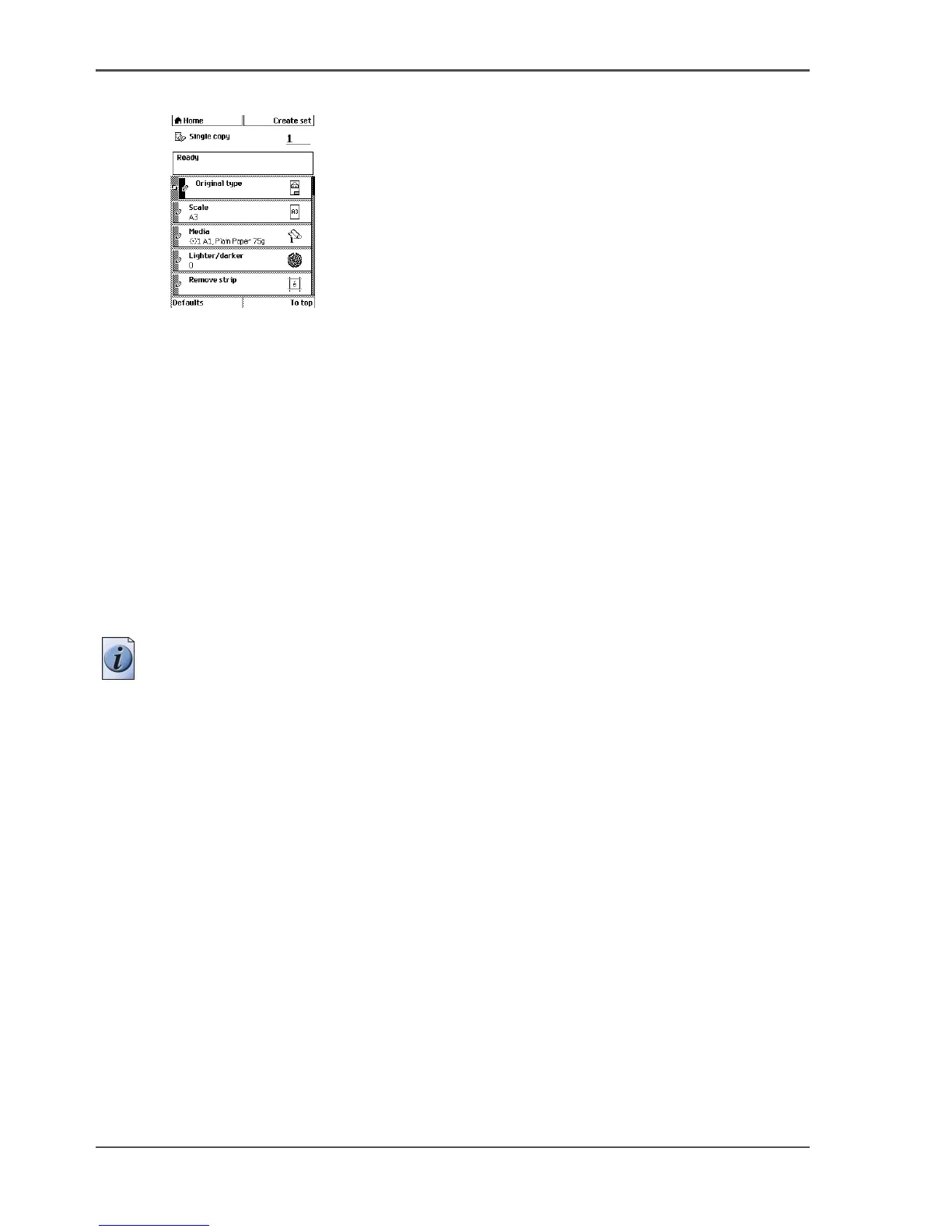
2. Define the job settings.
[36]
[36] The top 5 settings of a copy job template
■ Select 'Copy' with the upper-left softkey.
The copy job templates appear.
■ Open a copy job template with a left softkey.
The top 5 settings appear.
■ Scroll to a setting.
■ Select a setting with the left softkey.
■ Scroll to the required value.
■ Select the next setting with the left softkey.
■ Scroll to the required value.
■ Select 'Close' to close the setting.
3. Define the number of copies if necessary and press the green start key.
Note: You can copy faster when you feed the original landscape, unless you must
scale your original to another media size. In that case you must feed the original
portrait.
Result
The Océ TDS700 makes a copy according to the defined settings.












 To Next Page