64 Chapter 2 Use the Océ TDS700 to print a job
Activate the buzzer
Activate the buzzer
Purpose
You can activate or deactivate a sound signal on the printer. The sound signal alerts
the key operator when the printer needs operator intervention.
Before you begin
Access the Administrator only menu (see ‘Access the 'Administrator only' menu’ on
page 59)
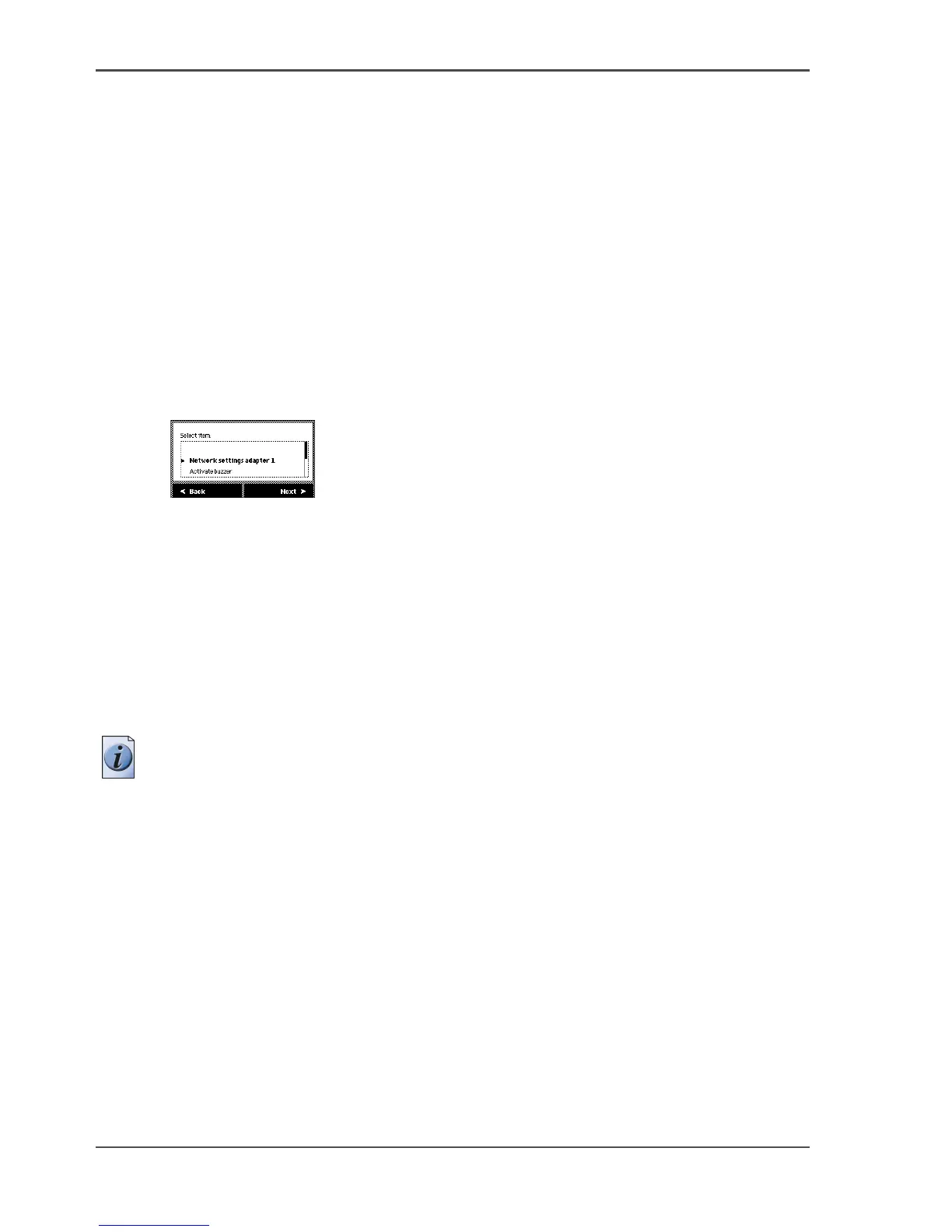
Illustration
[29]
[29] Activate/deactivate the buzzer
Activate the buzzer
1. Use the Up/down key at the right hand side of the operator panel to scroll through
the items in the list and to select hte 'Activate buzzer' menu option.
2. Press Next to activate the buzzer.
3. Press Ok to confirm.
4. Press the On-line key to return the printer to the on-line status.
Note: To deactivate the buzzer, repeat the procedure described above. When the
buzzer is activated, you must select the 'Deactivate buzzer' option as an item in the
list.
Result
The printer will give a sound signal when operator intervention is needed, for
example when the printer runs out of toner or media.












 To Next Page