248 Chapter 6 The Océ TDS700 Power Logic® controller application
Toolbars and workspaces
Toolbars and workspaces
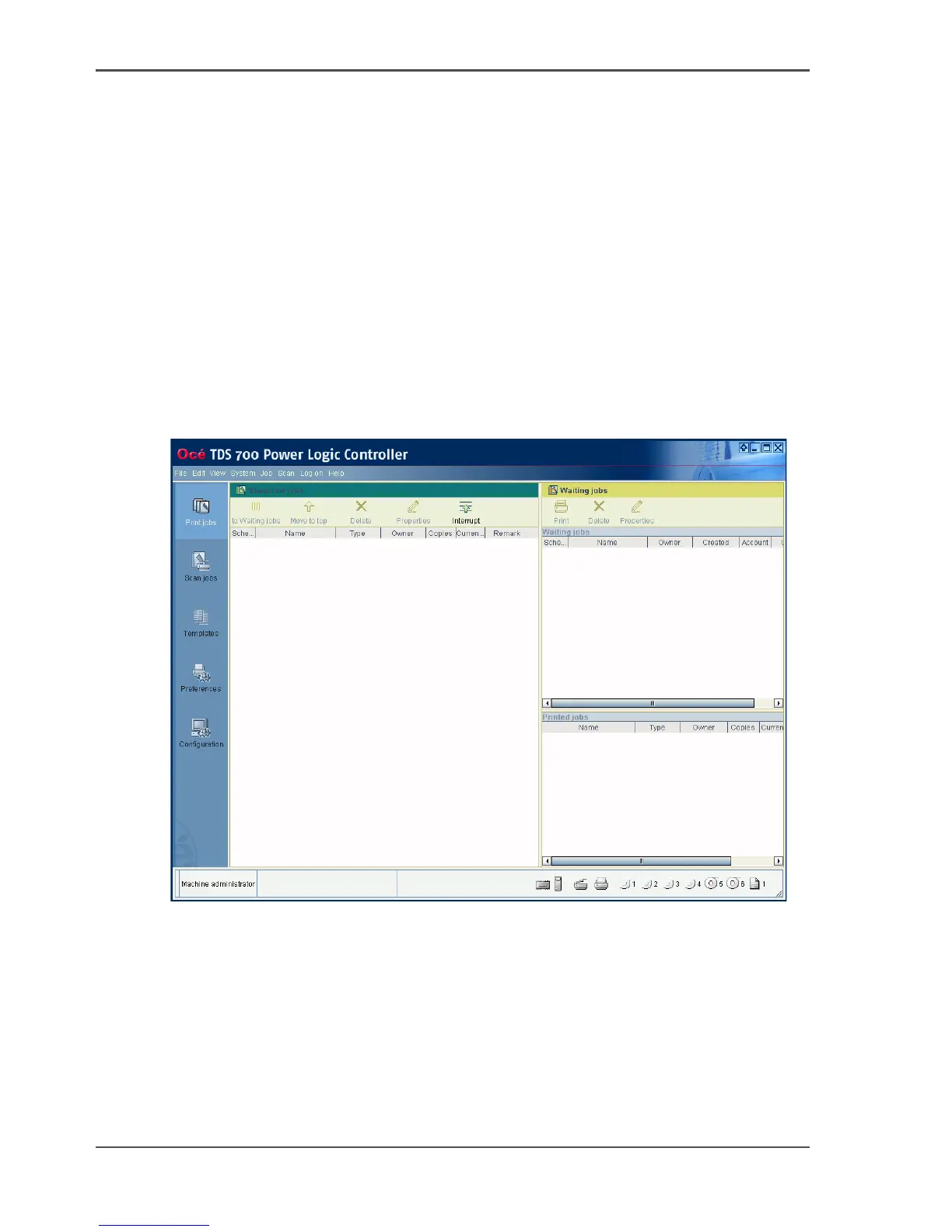
Introduction
The Océ TDS700 Power Logic
®
controller application is divided in a number of
workspaces. After you have logged on, you can access the workspaces. Each
workspace is divided in smaller areas with specific functions.
The workspaces can be managed with the functions in the various toolbars. You can
also use the top toolbar menu options to manage the workspaces. The status bar
displays messages and icons to give the user for example status information about
the Océ TDS700.
Illustration
[157]












 To Next Page