352 Chapter 10 Maintain the Océ TDS700
Clear an original jam on the productive scanner
Clear an original jam on the productive scanner
Introduction
When an original jam occurs on the scanner, the message ‘Original jam’ appears on
the scanner display. You must remove the original from the scanner.
If an original jam occurs often:
■ Check if you use the correct type of original.
■ Check if you insert the original along the guide.
■ Check if the original is damaged before you insert it.
How to remove a jammed original
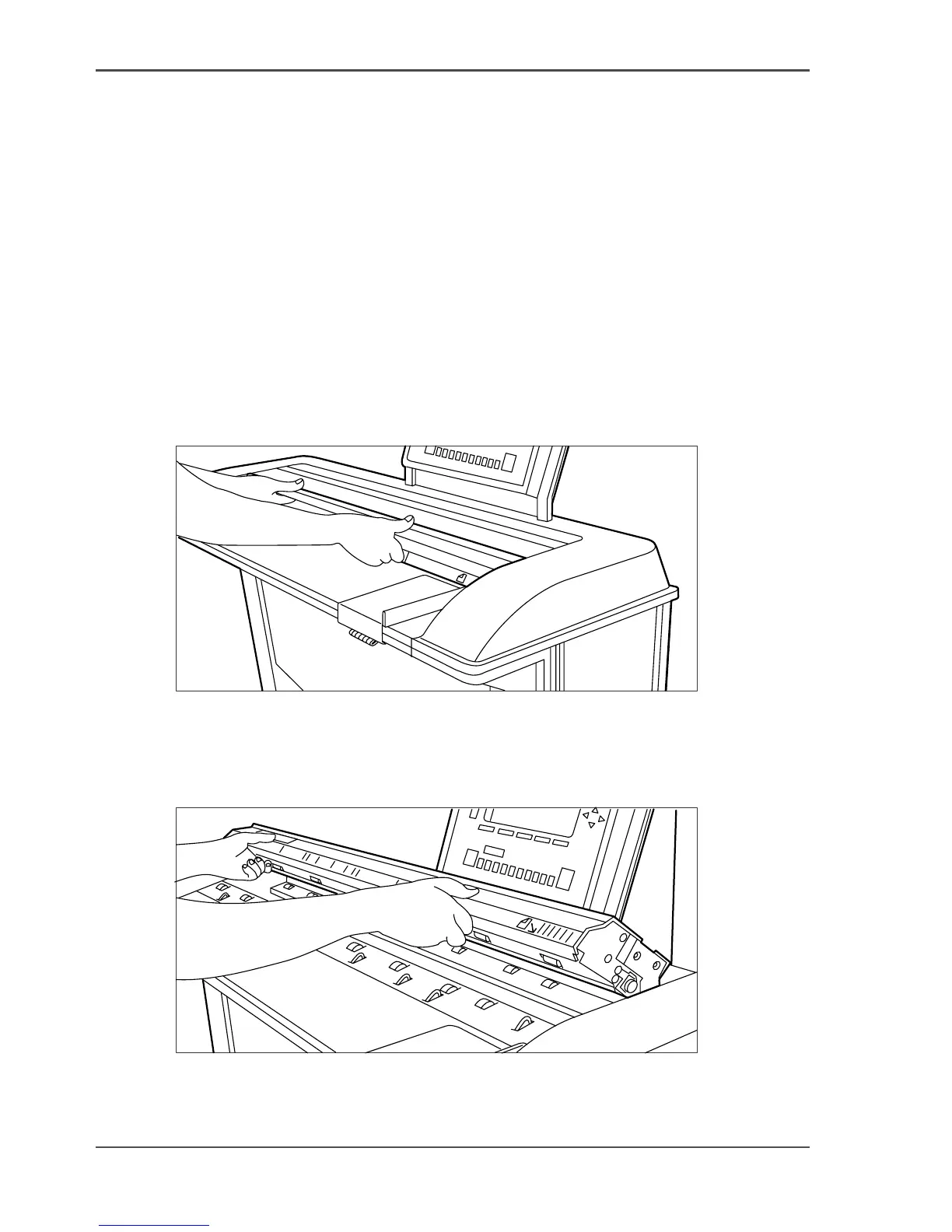
1. Open the top cover of the scanner, see the illustration below.
[222]
[222] Open the top cover of the scanner
2. Remove the original.
3. Lift the top cover of the scanner to release the lock of the hinge, and close the cover,
see the illustration below.
[223]
[223] Close the top cover of the scanner
4.
Make the original smooth and feed the original.












 To Next Page