211
Mirror
Mirror
Purpose
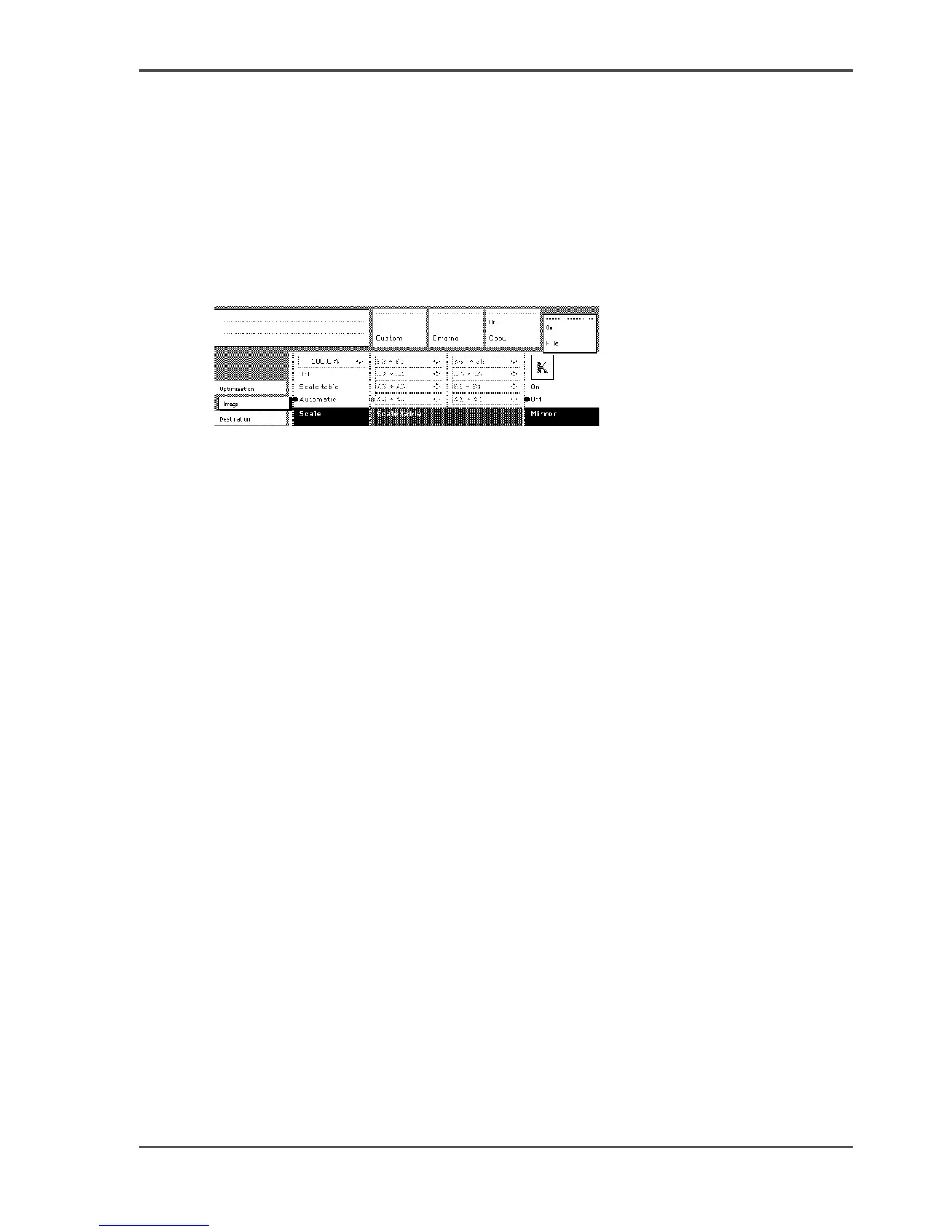
You can use the ‘Mirror’ option to scan a horizontally mirrored image of an original.
Mirroring is performed in the vertical axis.
Illustration
[133]
[133] Mirror setting
Use the Mirror setting
1. Select the ‘Image’ card in the ‘File’ section.
2. Select Mirror with the function key.
■ On. The original document is a mirror image. The scanner mirrors this image in
the vertical axis to create a normal image.
■ Off. The original document is not a mirror image and therefore does not have to
be converted.












 To Next Page