378 Chapter 10 Maintain the Océ TDS700
Paper jam at the integrated receiving tray
Paper jam at the integrated receiving tray
Caution: During normal use the fuser must be closed. Only open it to
remove paper after a paper jam. Because of hot surfaces the operator
always has to be cautious and wear heat-protective gloves, when removing
printing material in the fuser section.
How to clear a jam at the integrated receiving tray
1. Open the manual feeder to release the printing material.
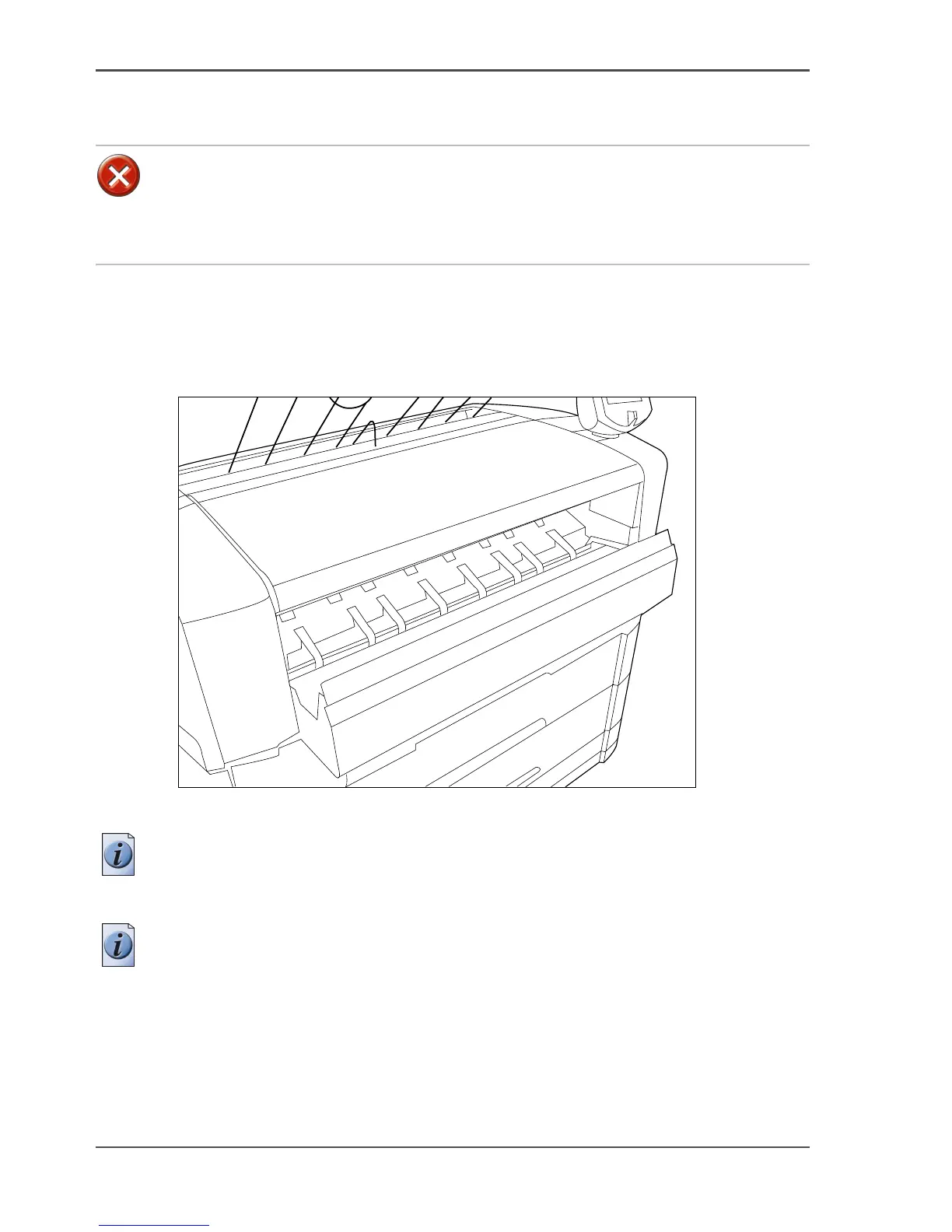
[247]
[247] Manual feed section
Note: If you fail to do so, the OPC drum might get damaged when you remove
jammed material.
2. Open the cover on the left-hand side of the printer.
Note: Make sure the printer is switched off before you open the fuser section.












 To Next Page