189
Bold
Bold
Purpose
You can use the ‘Bold’ function with originals that contain very thin lines. If you
use the Bold function all the information on the print is accentuated. Use this
function to accentuate very thin lines that may otherwise become too weak on the
printed output.
Illustration
[117]
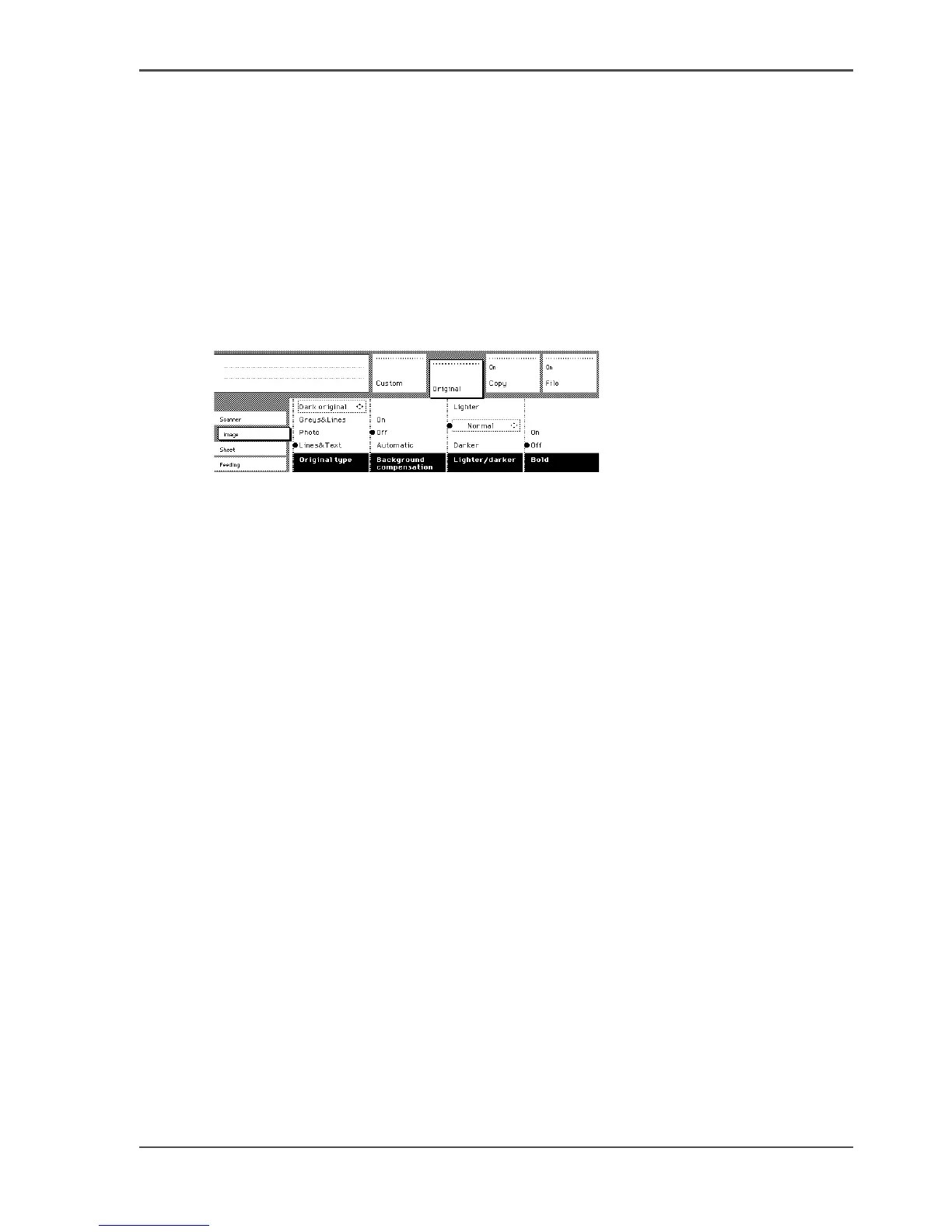
[117] Selecting Bold
Set the bold setting
1. Select the ‘Image’ card in the ‘Original’ section.
2. Select ‘Bold’ on, to get all information correct on the copy. Very thin lines will be
accentuated to avoid these lines form disappearing or becoming too faint.
3. Select ‘Bold’ off, if you do not want to accentuate very thin lines. Please note, weak
lines can become difficult to see.












 To Next Page