203
Settings for scan-to-file on the scanner operator panel
Settings for scan-to-file on the scanner operator panel
Introduction
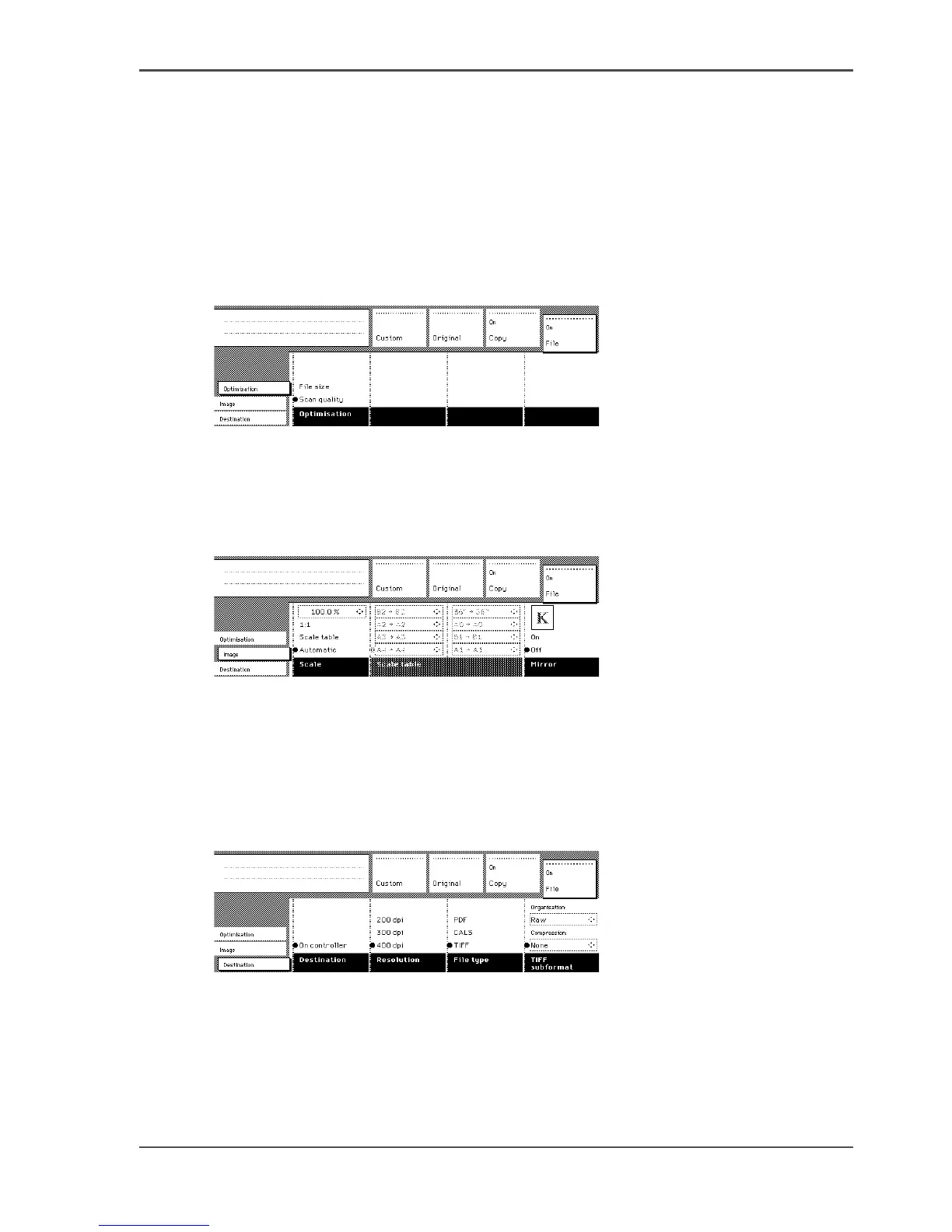
The settings for scan-to-file on the scanner operator panel are divided into three
cards: Optimisation, Image and Destination.
Optimisation
[127]
[127] Scanner operator panel: Optimization card
■ Optimisation
Image
[128]
[128] Scanner operator panel: Image card
■ Scale
■ Scale table
■ Mirror
Destination
[129]
[129] Scanner operator panel: Destination card
■ Destination
■ Resolution
■ File type (PDF, CALS, TIFF)
■ TIFF subformat or PDF compression












 To Next Page