60 Chapter 2 Use the Océ TDS700 to print a job
Configure the network settings
Configure the network settings
Introduction
The Océ TDS700 needs to be configured in the network for example in order to
receive print jobs and store scan-to-file jobs. The network settings of the adapter can
be configured in the Océ TDS700 Power Logic
®
controller application, but it is also
possible to configure or update the network settings on the printer operator panel.
The network settings can be set or changed with the configuration wizard in the
Administrator only menu.
Before you begin
Access the Administrator only menu (see ‘Access the 'Administrator only' menu’ on
page 59)
Illustration
[21]
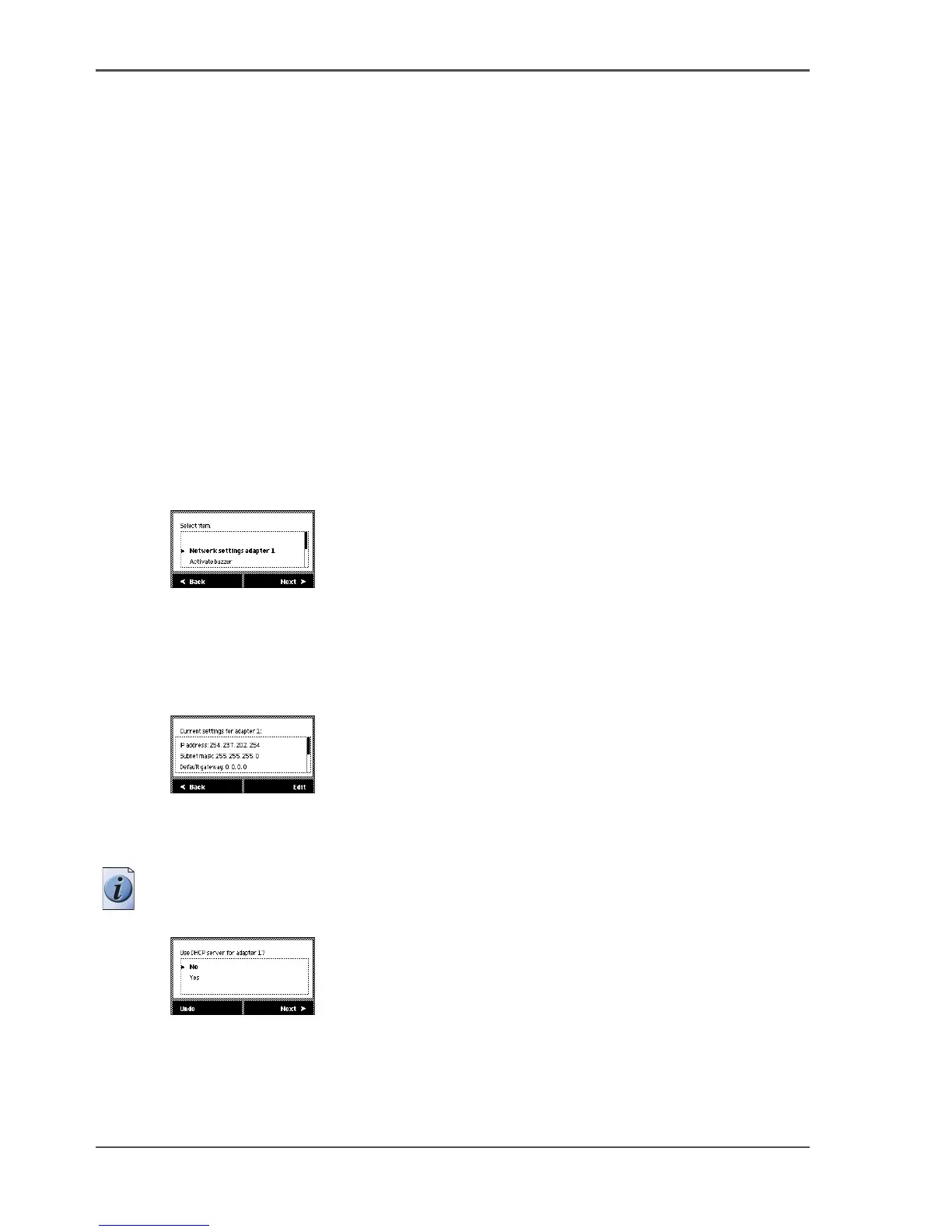
[21] Select the adapter
How to configure the network settings of the adapter
1. Press the right selection key below the graphical display to go to the next step.
[22]
2. Use the Up/down key at the right hand side of the operator panel to view the network
settings.
3. Press Edit to change the network settings. Follow the instructions in the wizard.
Note: You can configure the settings manually or you can use DHCP to
automatically configure the settings.
[23]
4. Configure the IP address, Subnet mask, Default gateway, DNS, primary and
secondary WINS.
Use the Up/down key to enter the numbers.
Use Next to move to the next box or screen.












 To Next Page