61
Configure the network settings
Press Back to correct or undo a change or to leave the configuration wizard.
[24]
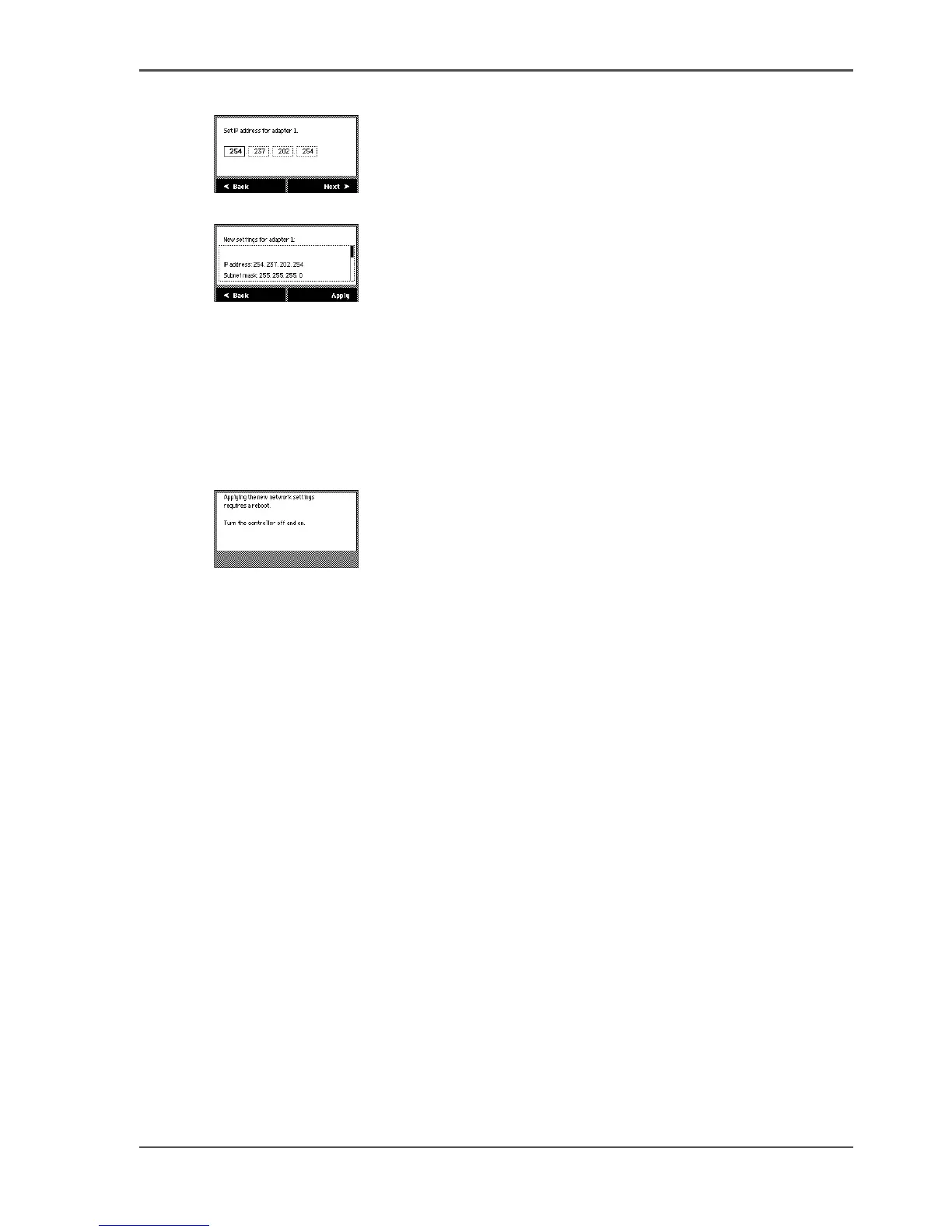
5. At the end of the configuration wizard you can view the new network settings.
[25]
Result
When you are ready the following message is displayed. Follow the instructions to
implement the changes (see figure 8). Changes made on the operator panel are also
visible in the 'Configuration' workspace of the Océ TDS700 Power Logic
®
controller
application.
[26]












 To Next Page