228 Chapter 4 Use the Océ TDS700 productive scanner
Shift the image
Shift the image
Introduction
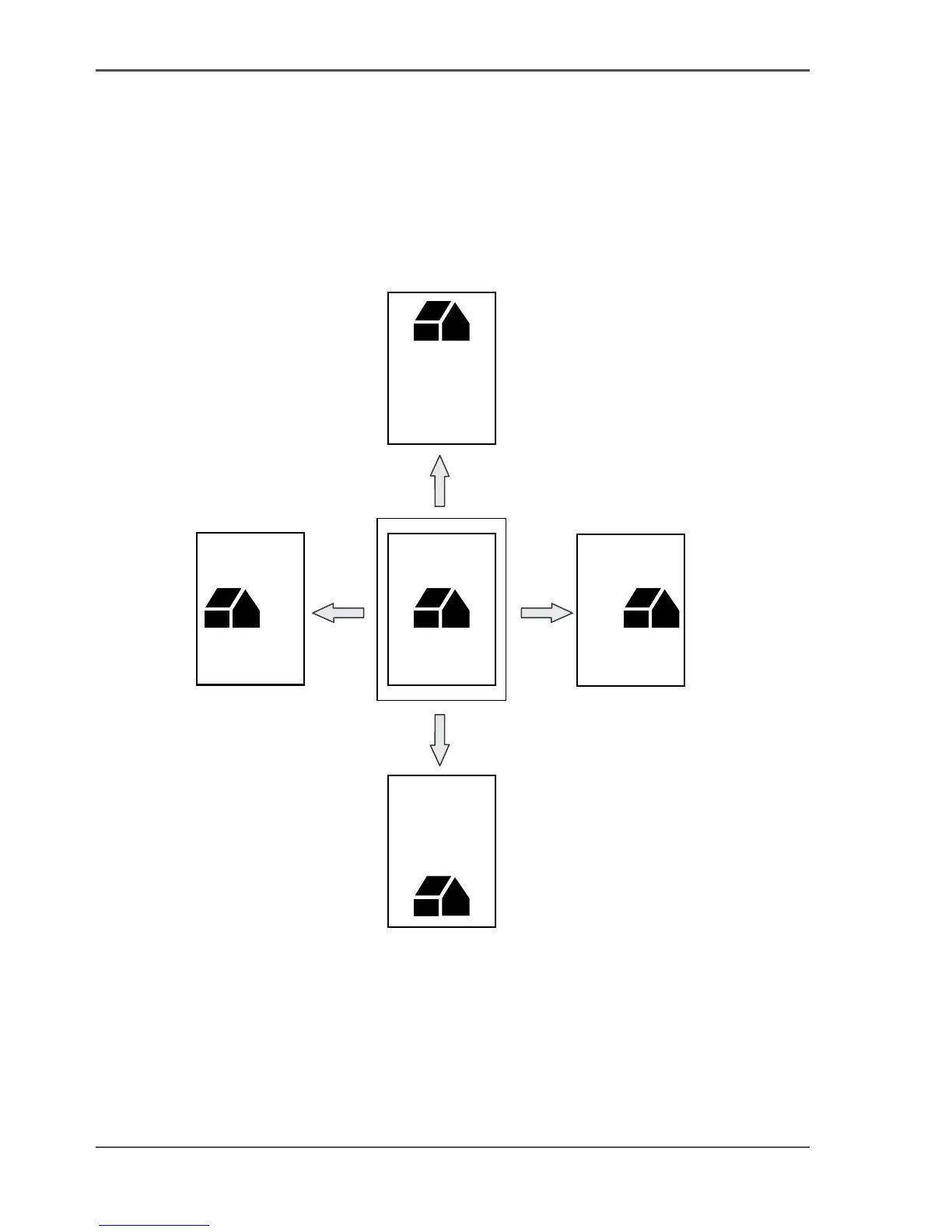
In some cases the margin may be too narrow to accommodate filing strips without
loss of information. To avoid this, you can shift the image in horizontal or vertical
direction, as shown below.
[148]
[148] Example of shifting the image












 To Next Page