229
Shift the image
Shift the image
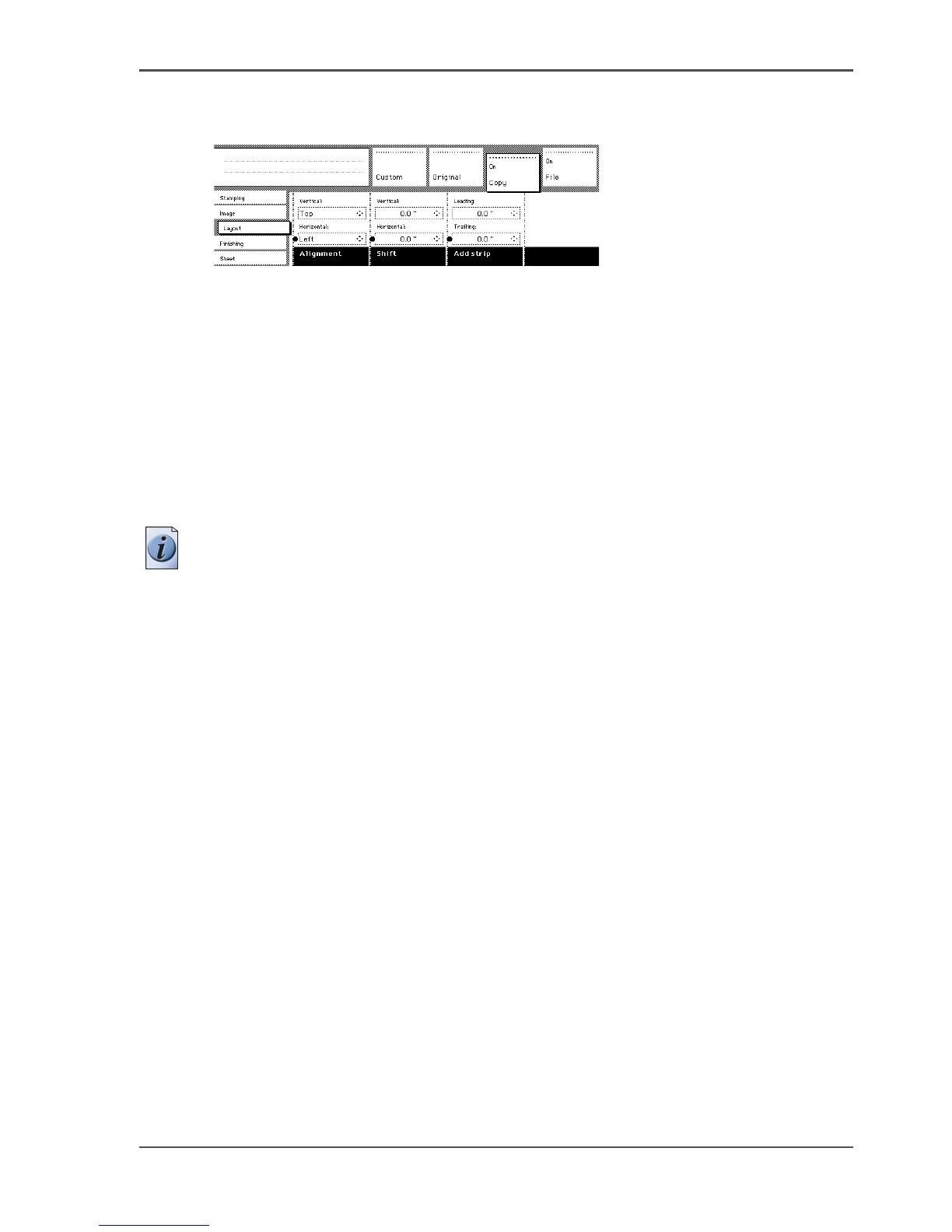
1. Open the ‘Layout’ card in the ‘Copy’ section.
[149]
[149] Shift the image
2.
Press the ‘Shift’ function key and select a horizontal shift value by pressing the
numeric or arrow keys until the required distance is set to shift the image to the left
or to the right.
When you shift the image horizontally, you can only shift to the left or to the right.
3. Press the ‘Shift’ function key again and select a vertical shift value by pressing the
numeric or arrow keys until the required distance is set to shift the image upwards
or downwards.
When you shift the image vertically you can only shift up or down.
4. Make other settings as required.
5. Feed the original.
Note: You can use horizontal and vertical shift simultaneously.












 To Next Page