191
Define settings for the next original
Define settings for the next original
Introduction
You can define the settings for each original you want to copy. When ‘Automatic
feed’ is enabled, you should bear in mind that the original is automatically pulled
into the scanner. If you want to be absolutely sure about the settings that belong to
an original, insert an original when the settings are correct.
Note: To increase your versatility at the scanner input side, you can ask your key
operator to turn off Automatic feed. When you use the scanner with automatic feed
off, you must press the start key for each new original to be scanned. This offers you
the possibility to change the settings for the next original, even if you already put
the original in place on the scanner feed table.
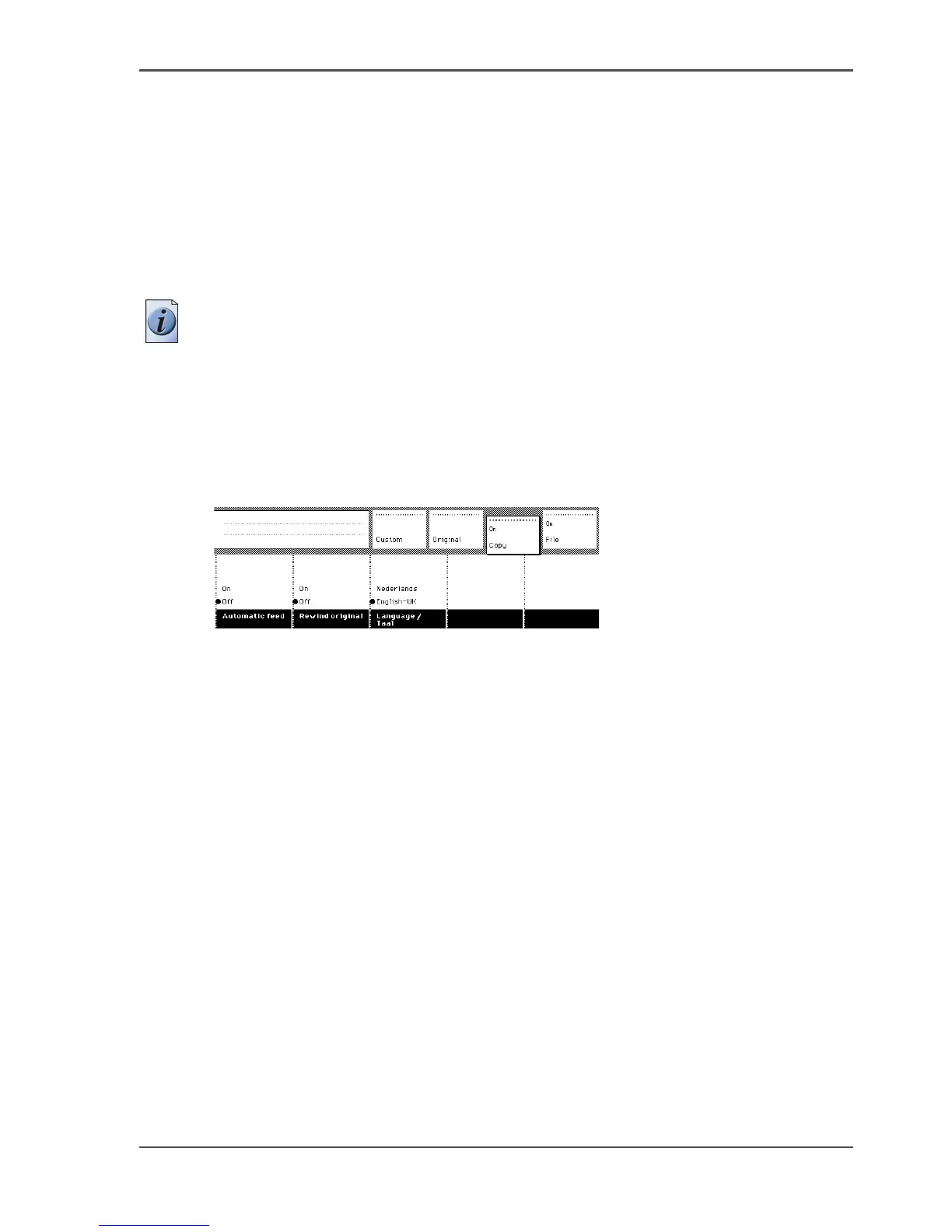
Illustration
[119]
[119] Set the automatic feed option
Define the settings for the next copy job
1. Select all the settings required for the next original.
2. Insert the next original.
If ‘Automatic feed’ is off, press the start key.
If ‘Automatic feed’ is on, the original is fed automatically.












 To Next Page