52 Chapter 2 Use the Océ TDS700 to print a job
Media type and size on the printer
Media type and size on the printer
Introduction
One of the features of the Océ TDS700 printer is the automatic media change
function. This function allows the printer to switch to another roll of the same format
and material when the roll or sheet feeder becomes empty during printing.
Since the Océ TDS700 printer cannot detect the loaded media type and format itself,
you have to specify type and size after you (re)load media. The Océ TDS700
supports both DIN and ANSI media formats.
See (see ‘Available media types’ on page 406) for an overview of all materials that
can be used on the Océ TDS700 printer.
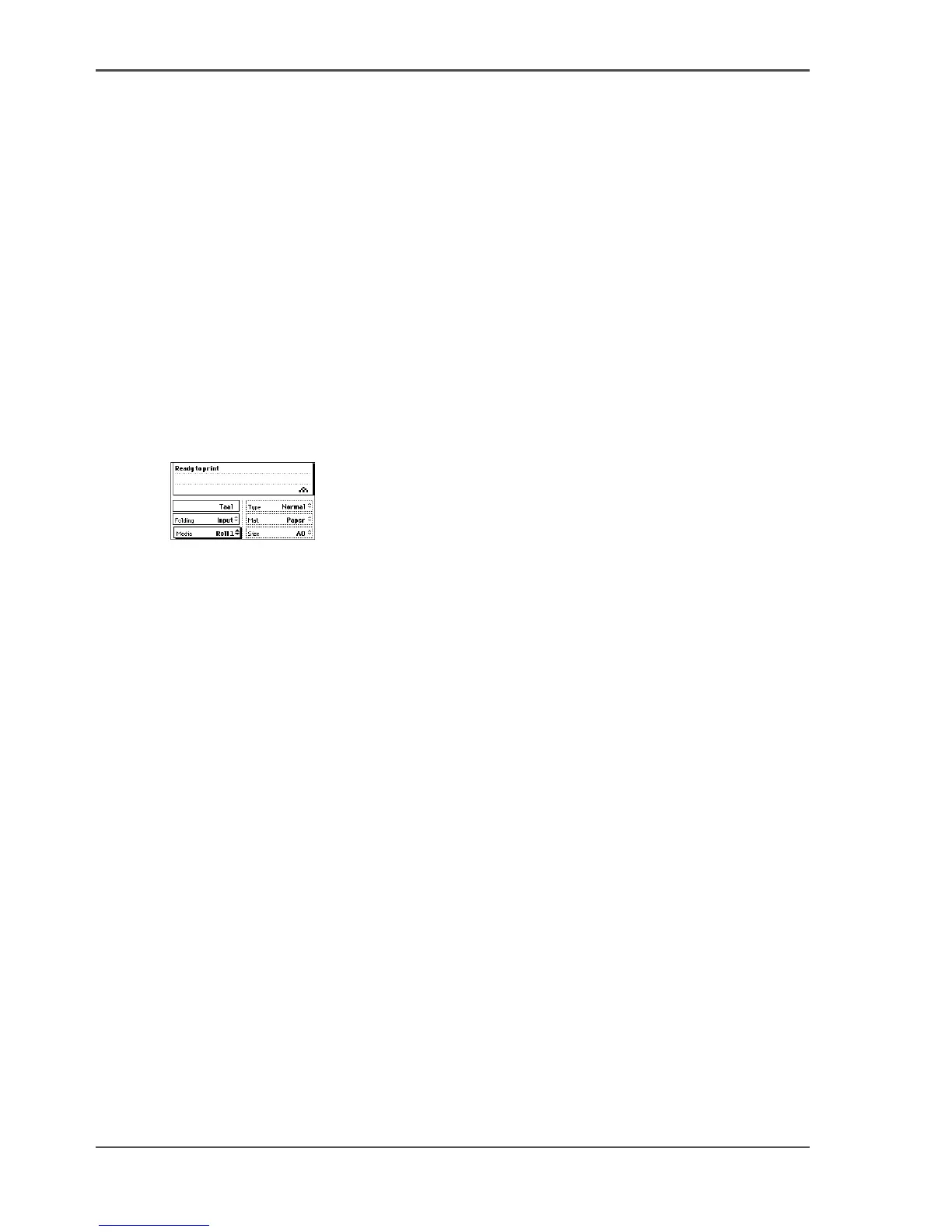
Illustration
[13]
[13] Set the media type, material and size
Set media type
1. Press the on-line key on the printer operator panel to put the printer off-line. The
message Off-line is displayed in the status window.
The focus is shifted to the Media option (indicated by the shadow effect).
2. Use the Up / Down keys to select the roll or sheet feeder for which you have just
loaded new media.
3. Press the right selection key to activate the Type and the Mat. (Material) option. The
dotted line around the current selection is changed into an uninterrupted line and the
small selection triangles next to the specified material are no longer dimmed.
4. Use the Up / down keys to select the type and the material you just loaded.
If you select 'Special' an exclamation mark will appear behind the media name to
indicate this status.
5. Press the on-line key to put the printer on-line again. The printer now knows which
material is used for the specified roll or sheet feeder.












 To Next Page