168 Chapter 4 Use the Océ TDS700 productive scanner
Introduction to copy jobs
Introduction to copy jobs
Introduction
A basic copy or scan-to-file job only takes two steps. Feed the original and press the
start key. Every other type of copy or scan-to-file job is called an extended job. An
extended copy job takes one additional step, you define the job settings on the
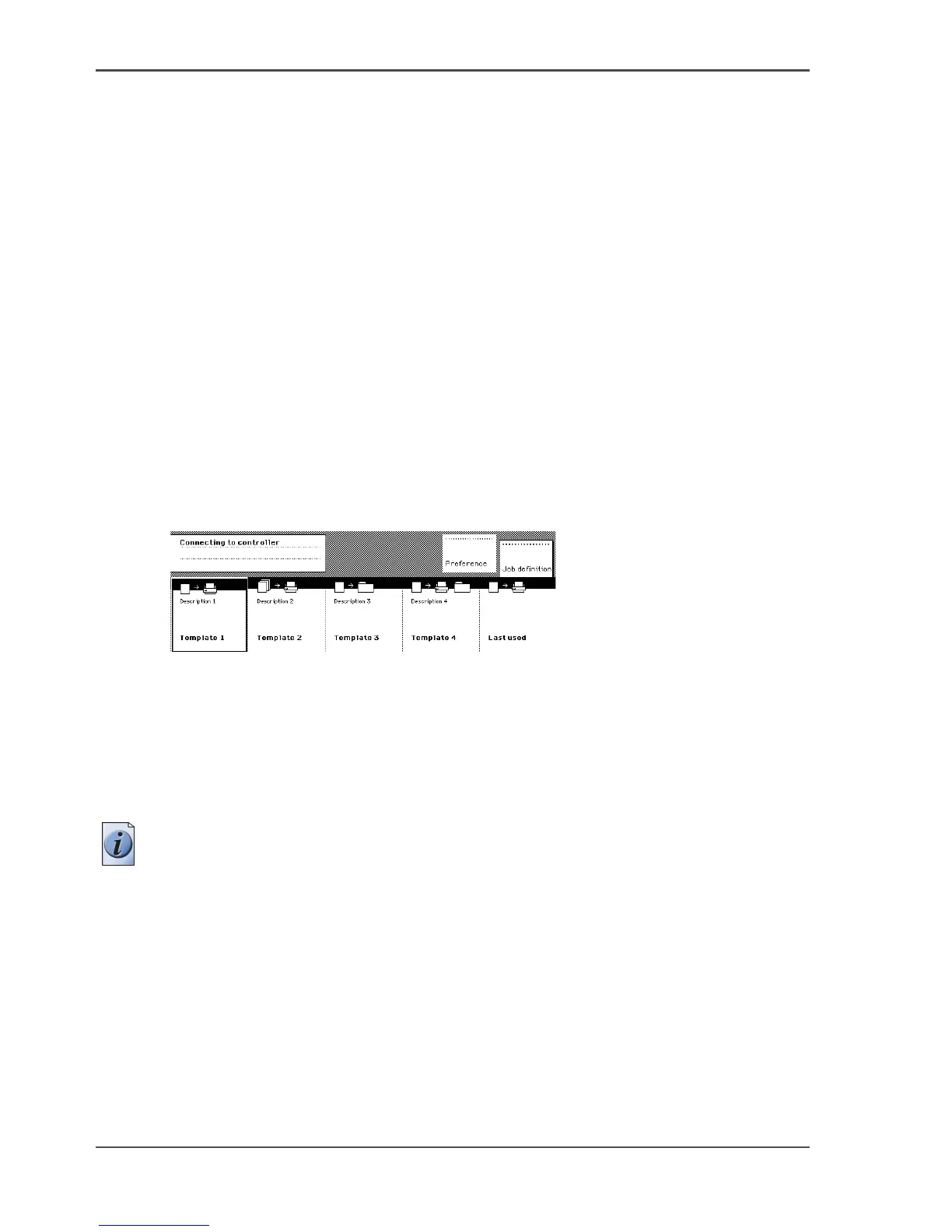
scanner operator panel. When you turn the scanner on the scanner templates become
visible. The job templates provide access to the different settings per template. When
you select a template, the scanner operator panel preferred settings in the custom
card of the selected job template. The custom card settings are the most often used
settings. You can define the contents of the custom card for each template with the
Océ TDS700 Power Logic
®
controller application. You can use the selection keys to
see the other settings. After you start a job on the scanner, you can manage your jobs
from the 'Print jobs' workspace in the Océ TDS700 Power Logic
®
controller
application. Scan-to-file jobs can be managed in the 'Scan jobs' workspace.
Illustration
[97]
[97] The scanner templates
Steps in a basic copy job
1. Place your original face-down, right aligned along the original guide. Keep the
legend at your right hand side.
2. Feed the original.
Note: When you feed the original, keep it in place until it is transported (about 1
cm) into the machine.












 To Next Page