169
Introduction to copy jobs
[98]
3. Press the green start key.
Result
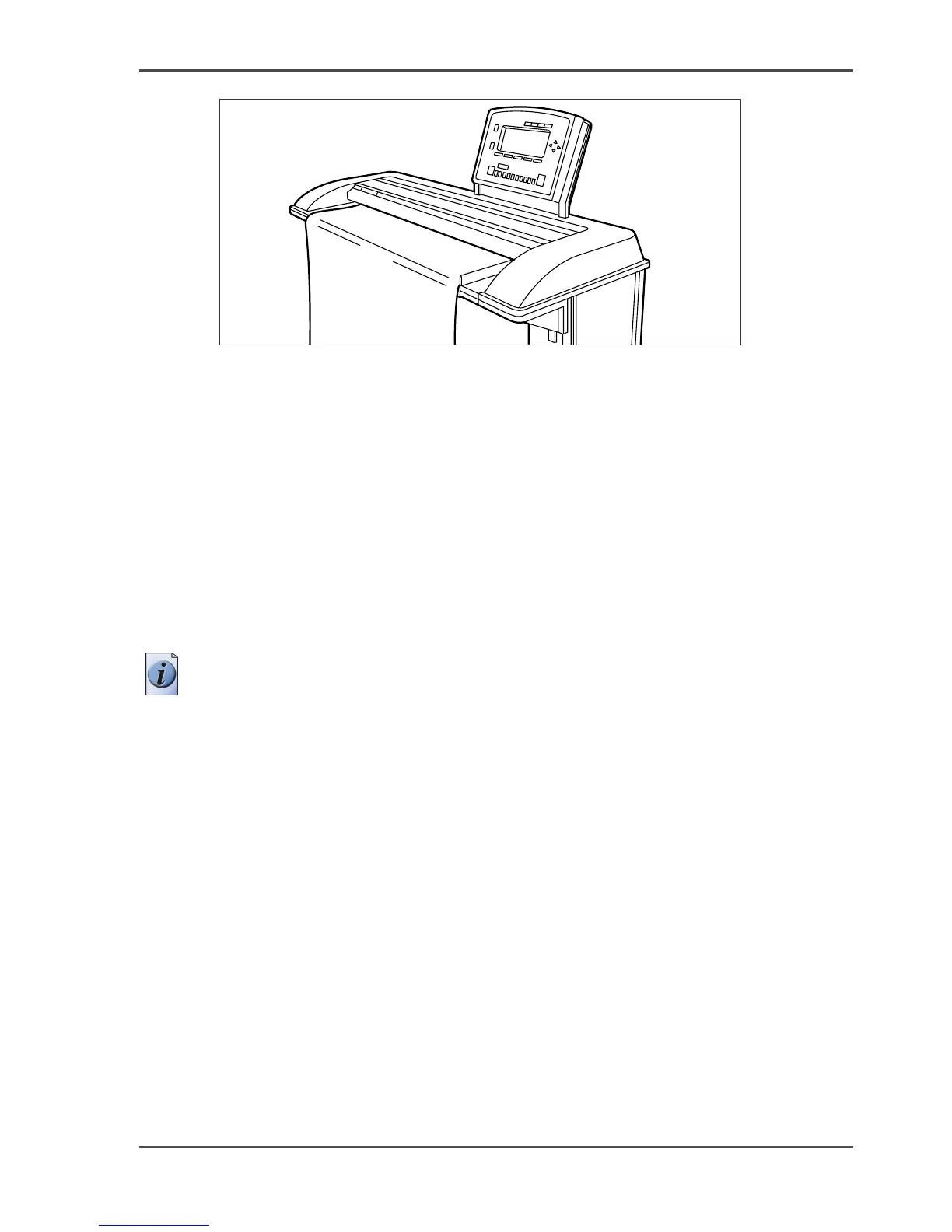
You do a basic copy job in 2 steps. The basic copy job uses the settings of the first
template.
Steps in an extended copy job
1. Feed the original.
2. Define the job settings.
Select the required template at the scanner operator panel and change the pre-defined
settings only if necessary.
Note: The changes you make are not stored in the template itself. You can use the
Last used template if you want to use the same settings as in the previous scan job.
3. Press the green start key.
Result
An extended copy job takes one additional action only.




 To Next Page