231
Make a set copy
Make a set copy
Introduction
Set copying is an input mode which enables you to make one job out of multiple
originals. It is distinguished from the ‘Multiple sheets’ input mode by the way the
job is sorted. See (see ‘Select the input mode’ on page 184) for a description of the
input modes.
Illustration
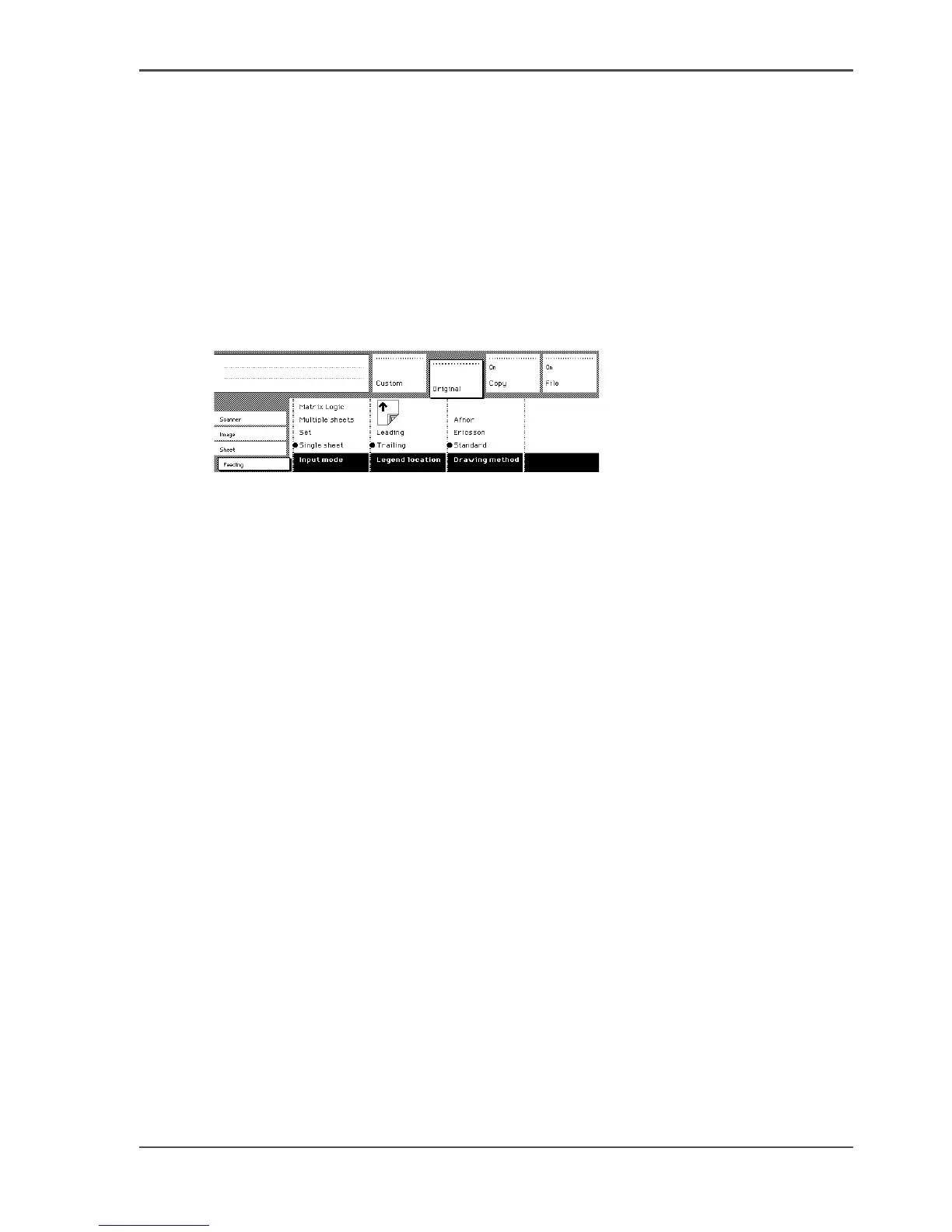
[152]
[152] Input mode
Make a set copy
1. Open the ‘Feeding’ card in the ‘Original’ section.
2. Use the ‘Input mode’ function key to select ‘Set‘.
3. Make other settings as required and feed the original.
4. Press the green Start key to start the copy job. Your original is fed into the scanner.
The printer starts.
5. Feed the other originals that make up your set. When ‘Automatic feed’ is enabled,
you do not have to press the green Start key every time you feed an original.
6. When all originals are scanned, press the green Start key to close the set.
7. When you want to abort your job, press the red Stop key. When you press the red
Stop key, the entire job is deleted.












 To Next Page