150 Chapter 3 Use the Océ TDS700 flexible scanner
How to retrieve scanned files via FTP
How to retrieve scanned files via FTP
Introduction
The scanned files are stored in the logging directory of the controller. You can
retrieve your files from the local host via File Transfer Protocol (FTP). FTP retrieval
can be done in the following ways.
■ Via an internet browser
■ Via an FTP application, or
■ Via a command line prompt.
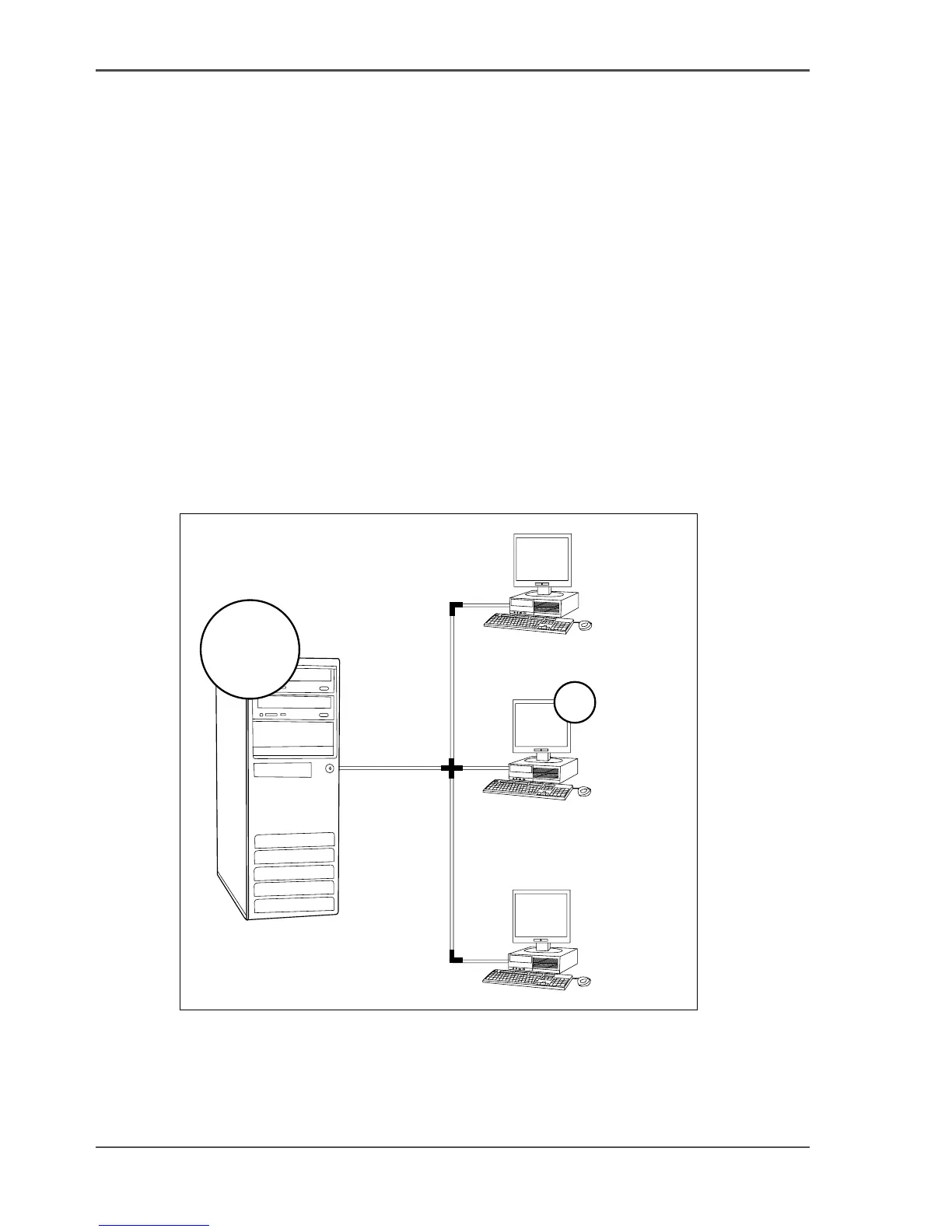
When you scan to file, your files will be stored in the destination you set. This can
be on the local controller (1) or on a remote system (2). You can retrieve your files
from the local host via File Transfer Protocol (FTP). Also if during scanning to a
remote destination, something goes wrong, you can retrieve your files from the local
host.
[93]
[93] How to retrieve scan files
1
2












 To Next Page