56 Chapter 2 Use the Océ TDS700 to print a job
Stop a print job
Stop a print job
Introduction
The red Stop key on the Océ TDS700 printer operator panel stops the active print
process. You can cancel or continue the current print job.
Cancel a print job
1. Press the Stop key. A dialogue is displayed informing you that you can press on-line
to continue or stop to cancel the job.
2. Press the Stop key again to cancel the current job.
Note: In general, the printer cannot be stopped immediately because the started
prints have to be finished. Printing will be stopped at the end of the page.
Continue a print job
1. Press the Stop key. A dialogue is displayed informing you that you can press on-line
to continue or stop to cancel the job.
2. Press the On-line key to continue the current print job.
Administrator settings
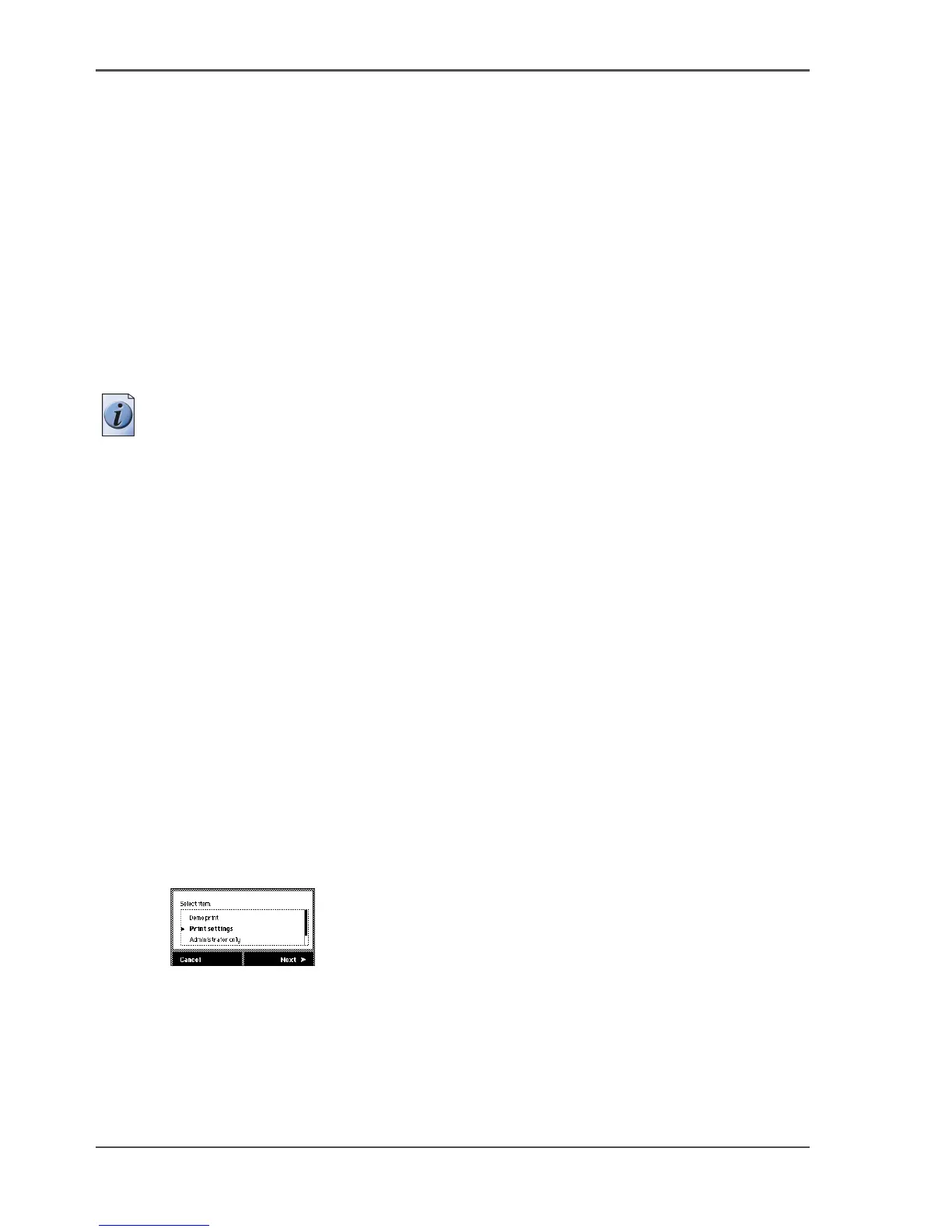
Make a demo print
Purpose
You can make a demo print to check the print quality of the printer.
Illustration
[15]
[15] Select the demo print option












 To Next Page