176 Chapter 4 Use the Océ TDS700 productive scanner
Change the operator panel language on the scanner
Change the operator panel language on the scanner
Introduction
It is possible to change the operator panel language. You can choose between two
preferred languages.
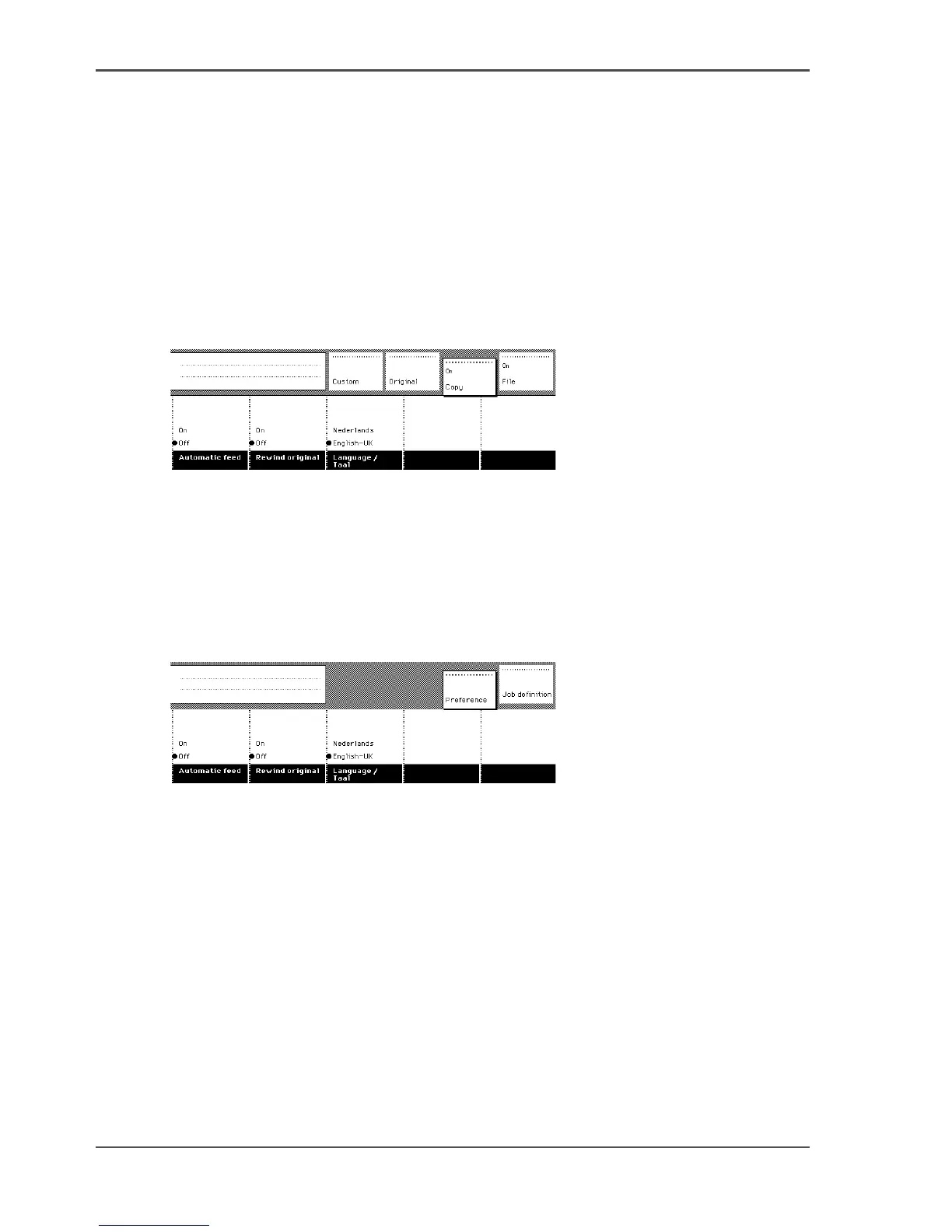
Press the ‘Language’ function key to set the needed language.
Illustration
[106]
Select a language
1. Open the ‘Scanner’ card in the ‘Original’ section.
2. Press the ‘Language’ function key to set the needed language.
Illustration
[107]
Select a language when the scanner templates are installed
1. Select the 'Preference' section.
2. Press the ‘Language’ function key to set the needed language. You can select one of
2 pre-defined languages. In the Océ TDS700 Power Logic
®
controller application,
the key operator can define which 2 display languages you can choose on the scanner
operator panel.












 To Next Page