180 Chapter 4 Use the Océ TDS700 productive scanner
Make copies
Make copies
Before you begin
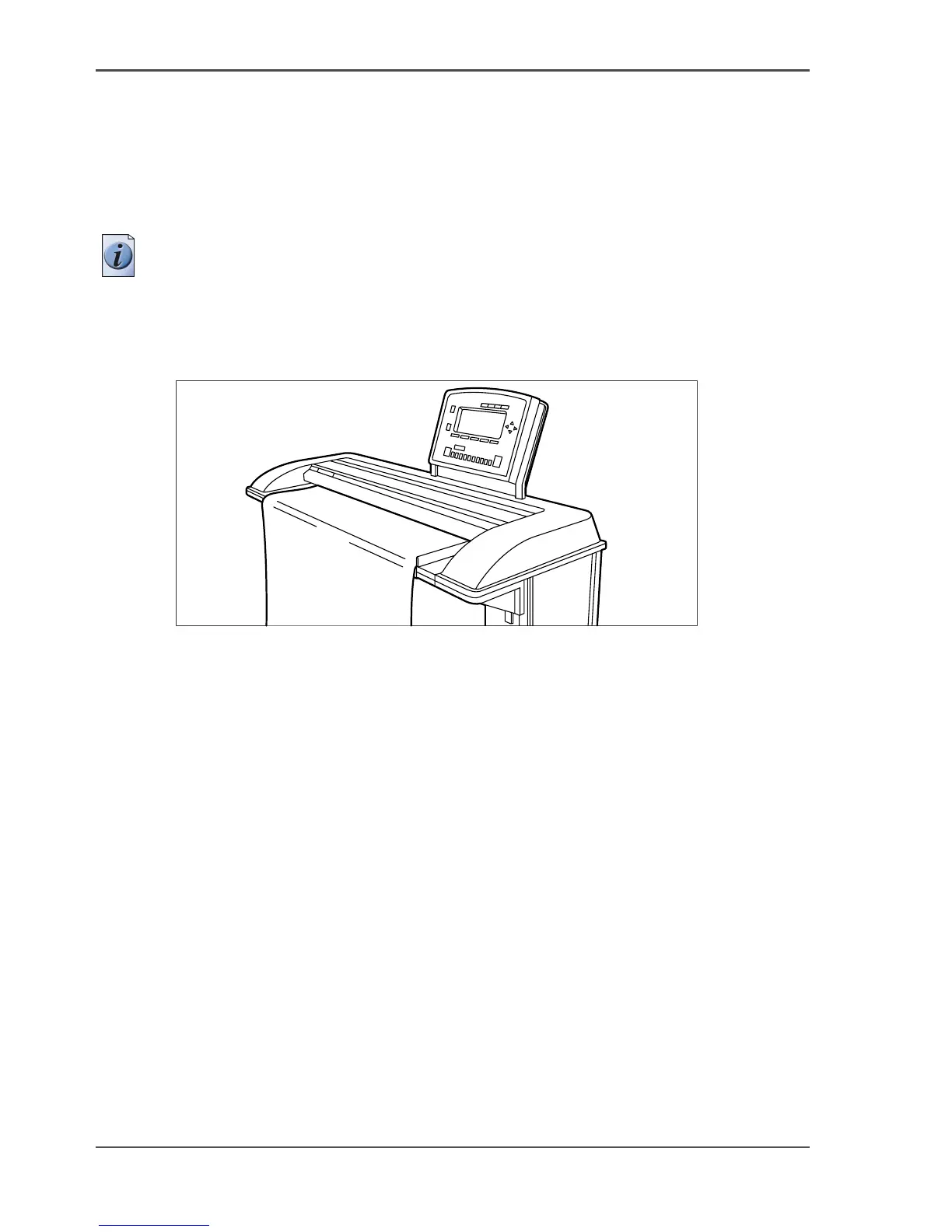
1. Place your original face-down, right aligned along the original guide. Keep the
legend at your right hand side.
Note: When you feed the original, keep it in place until it is transported (about 1
cm) into the machine.
Illustration
[108]
[108] Feed the orginal
How to make a copy
1. Specify the number of copies with the numeric keys.
2. Specify the ‘Media sizes’ on the ‘Sheet’ card in the ‘Original’ section.
The Océ TDS700 supports both DIN and ANSI media formats.
3. Specify the desired media on the scanner operator panel. If you select ‘Automatic’,
the Océ TDS700 will use a scale factor that is needed to obtain a copy without loss
of information. After inserting the original, the scale factor that is used is indicated
with a bullit symbol.
The scale factor is based on the selected media size.
4. Use the ‘Media’ function to select copy material and format.
5. Specify how a job will be sorted: ‘Single sheet’, ‘Multiple sheets’ (output: 1-1-1,
2-2-2, 3-3-3) or ‘Set’ (output: 1-2-3, 1-2-3, 1-2-3). The currently selected input
mode is indicated by the ‘l’ symbol.
6. Specify a reduction or enlargement factor on the operator panel by using the ‘Scale’
function. If you select ‘Automatic’, the productive scanner will use a scale factor
that is needed to obtain a copy without loss of information. After inserting the
original, the scale factor that is used is indicated by the bullit symbol.












 To Next Page