244 Chapter 5 Océ TDS700 Power Logic® controller Remote
Change the 'Password'
Change the 'Password'
Illustration
[155]
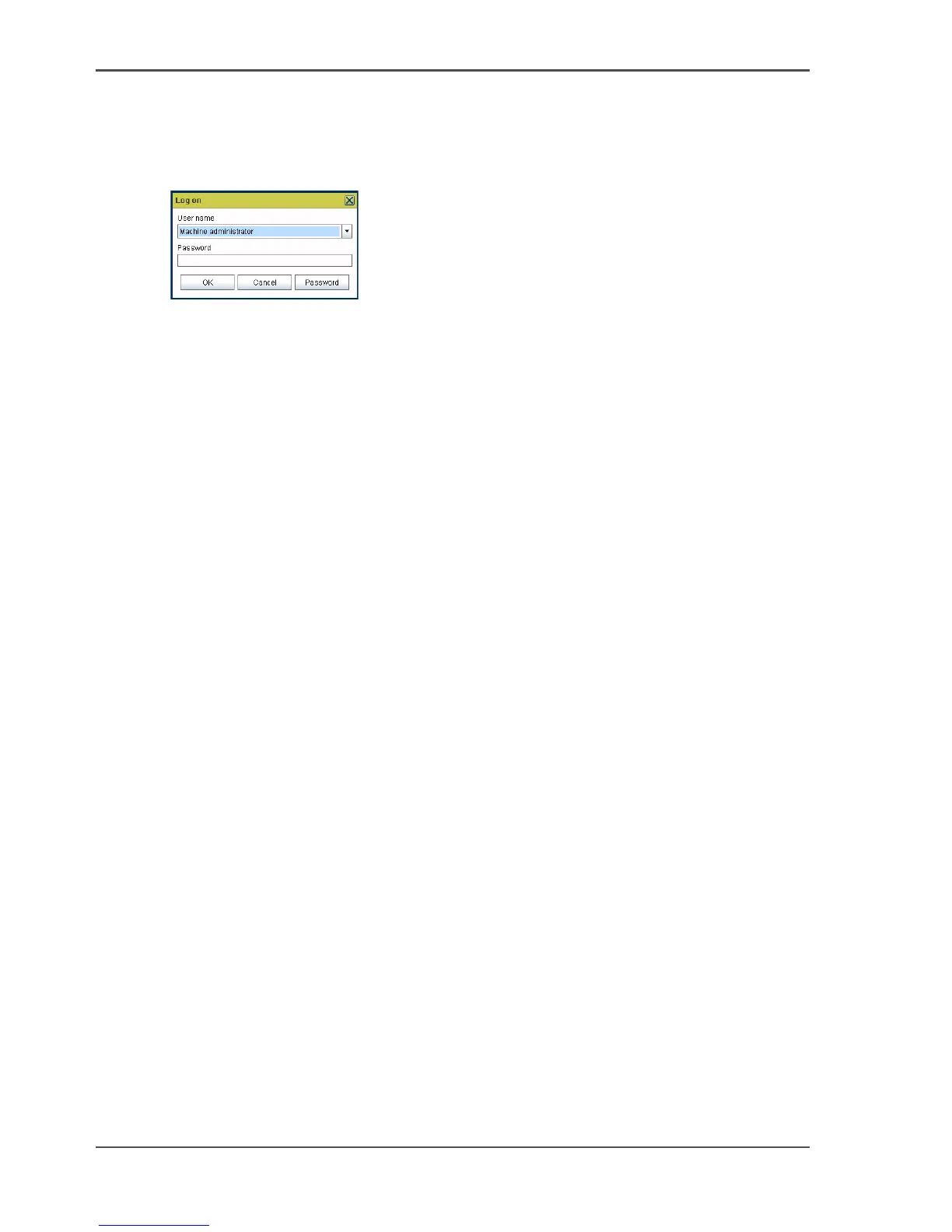
How to change the password
1. Select the 'Log on' menu in the toolbar to logon to the system.
2. Click 'Password' in the dialogue box.
3. Open the drop-down list and select a user.
4. Enter the old password.
5. Enter the new password.
6. Enter the new password a second time to confirm.
7. Click 'OK' to save the new password.












 To Next Page