192 Chapter 4 Use the Océ TDS700 productive scanner
Account logging
Account logging
Introduction
For accounting purposes, the system is able to log job information for each job. The
job identification attributes and the number of print jobs are logged in the account
file.
Note: The account settings are only available if the accounting option is enabled
in the system configuration.
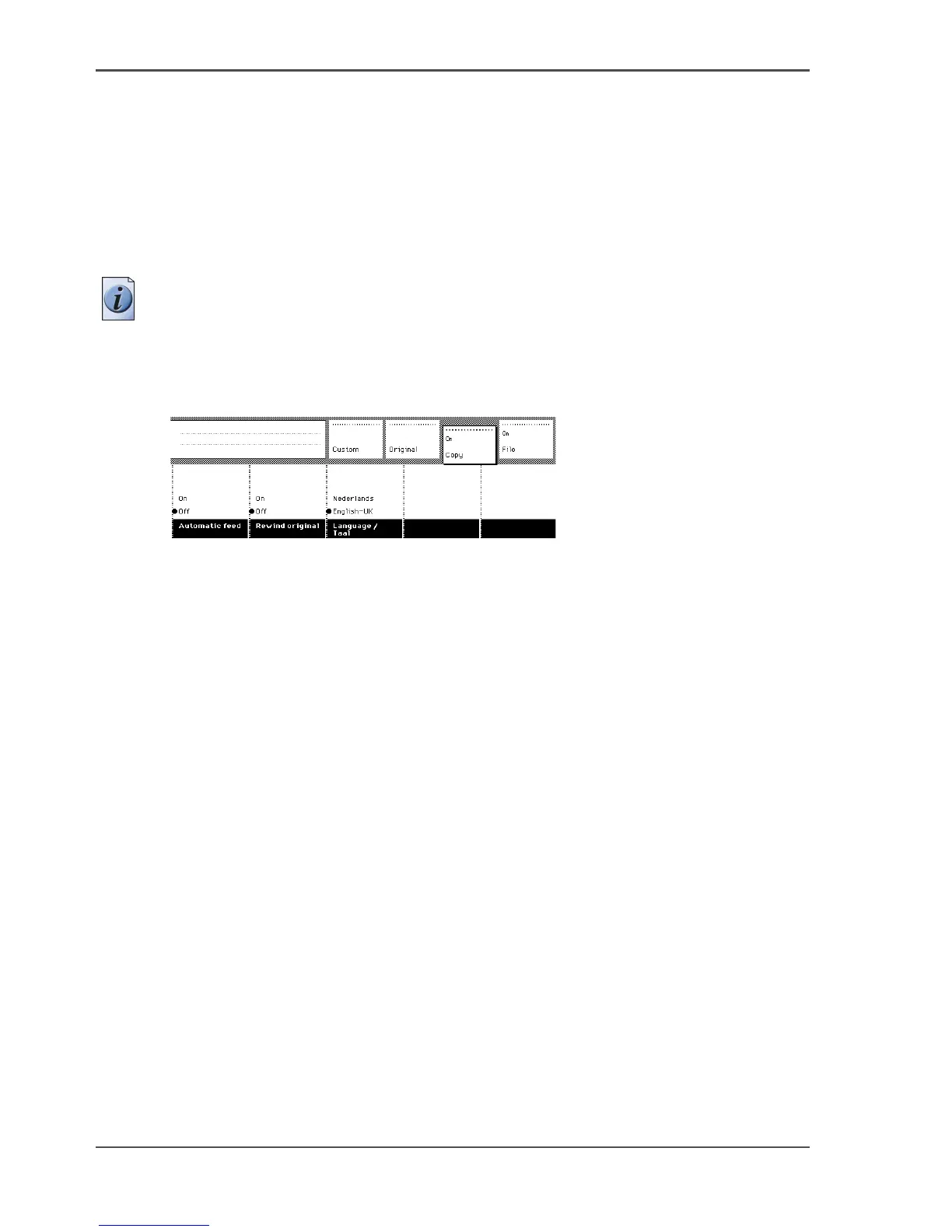
Illustration
[120]
[120] Set accounting data
Select the accounting function
1. Open the ‘Scanner’ card in the ‘Original’ section.
2. Press the ‘Accounting’ function key to set ‘Accounting’.
3. Select the needed ‘Account id’ or ‘User id’ with the arrow keys to the right of the
display.
4. Enter the ‘Account ID’ or the ‘User ID’ with the numeric keys.












 To Next Page