134 Chapter 3 Use the Océ TDS700 flexible scanner
'Original width'
'Original width'
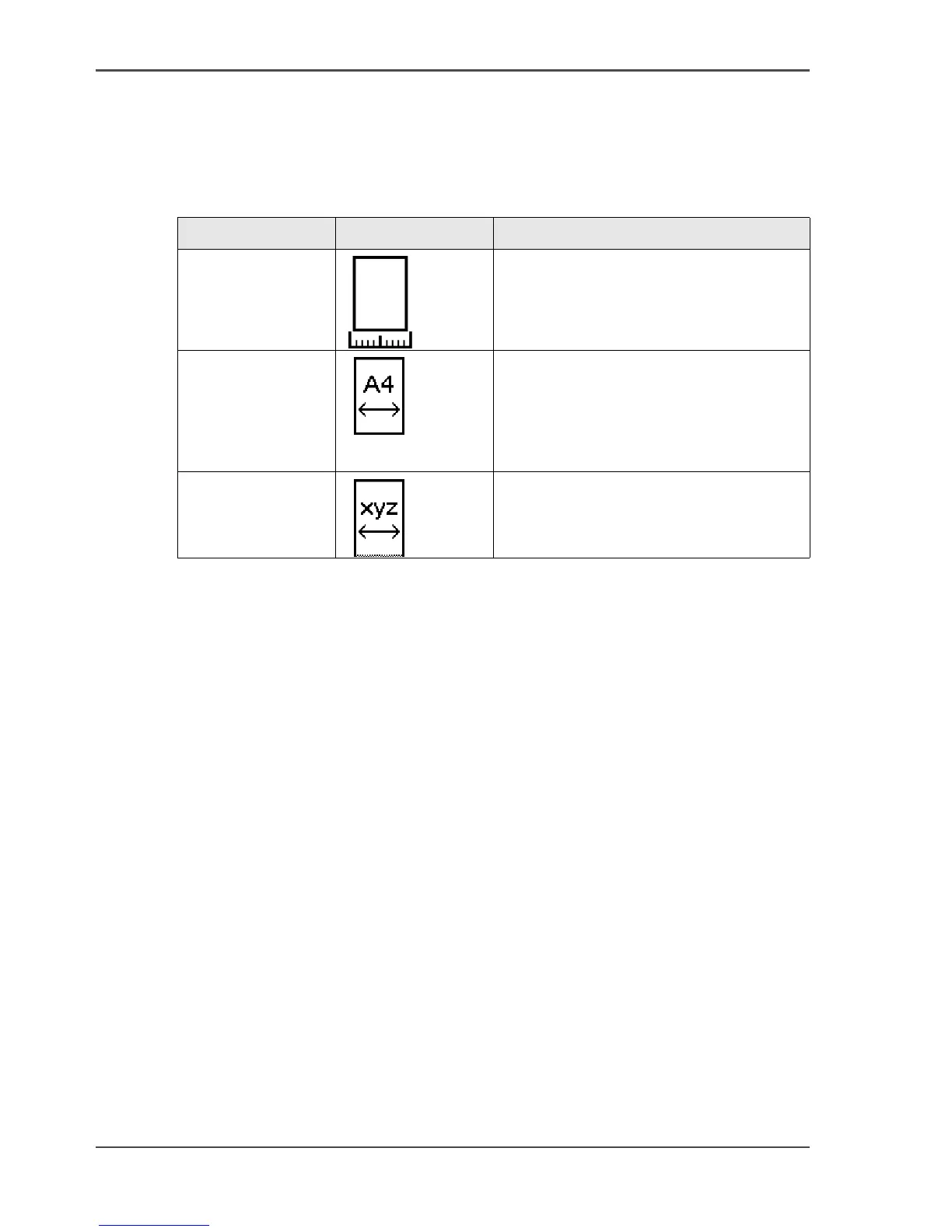
Use this setting to define the width of the original that the scanner scans.
Select one of the following.
[24]
Setting Icon Result
'Auto'
[83]
The scan width is automatically
determined based on the actual width of
the original.
'Standard'
[84]
Use this setting to a 'Standard' width of
the original.
The standard widths that you can select
depend on the media series that you
selected in the Océ Settings Editor.
'Custom'
[85]
Custom-selected width. Use this setting
if the 'Auto' setting or the 'Standard'
setting does not give the required result.












 To Next Page