97
Do a basic copy job
Basic copy jobs on the Océ TDS700
flexible scanner
Do a basic copy job
Introduction
The main steps of a basic copy job consists of the following steps.
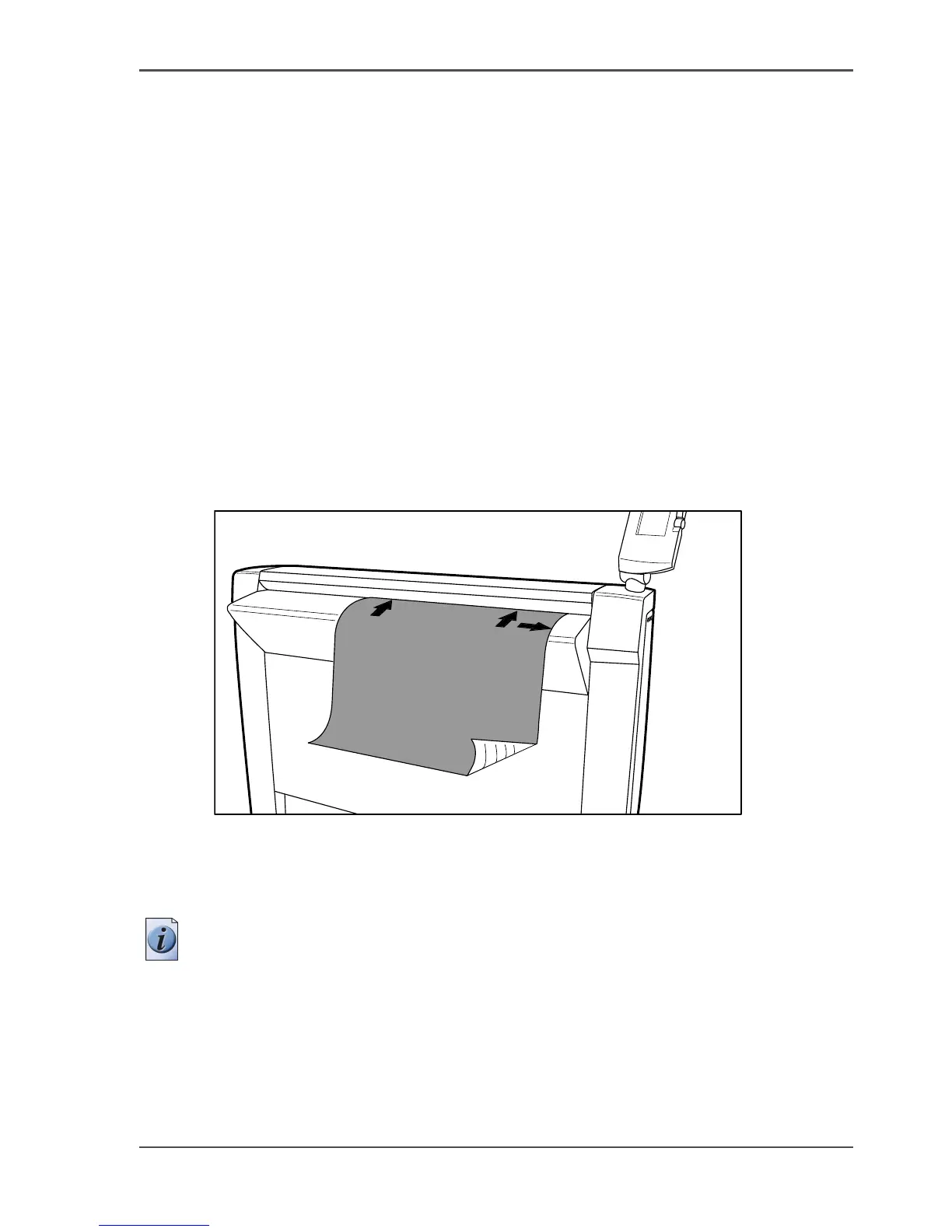
■ Place your original face-down, right aligned along the original guide. Keep the
legend at your right hand side.
■ Press the green start key.
How to copy on the scanner
1. Place the original face down and right aligned according to the illustration below.
The scanner takes the original.
[34]
[34] Place the original face down and right aligned
2. Press the green start key.
The scanner operator panel shows the copy job number and the status of the copy job.
Note: You can copy faster when you feed the original in landscape direction.
Result
The scanner makes a copy. The copy is sent to the Océ TDS700 printer and will be
printed immediately or stored in the 'Waiting jobs' workspace of the Océ TDS700
Power Logic
®
controller application.












 To Next Page