217
The scan width
The scan width
Introduction
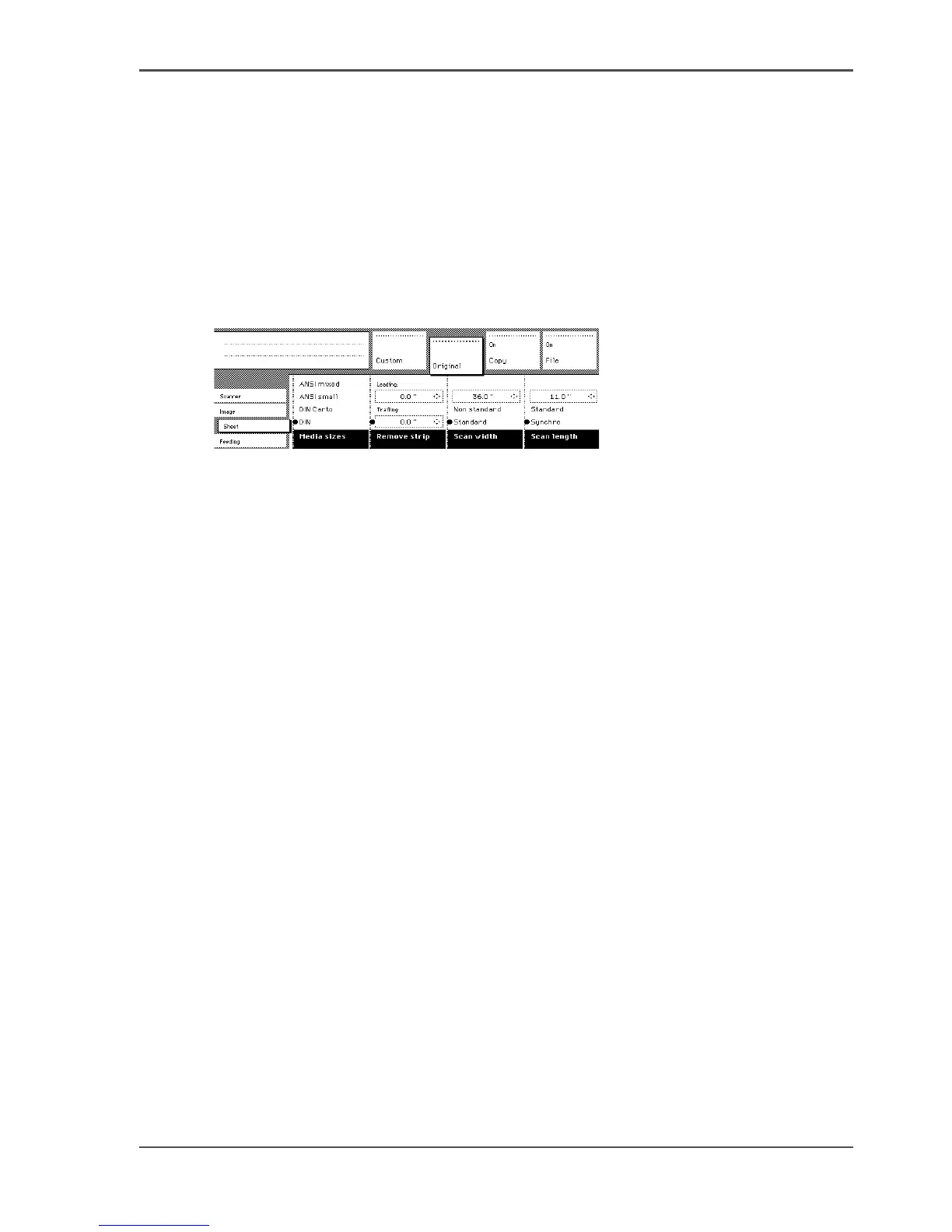
To prevent information loss when copying a non-standard original, you can select
the ‘non-standard’ scan width. The scanned width will then be larger than the
original width. It is also possible to define the scanned width and length yourself.
Illustration
[135]
[135] Selecting ‘Non-standard’ scan size
Define the scan width
1. Open the ‘Sheet’ card in the ‘Original’ section.
2. Press ‘Scan width’ to select the required setting:
■ Standard. This option must be used to copy a standard-size original.
■ Non-standard. This option can be used to copy a non-standard original. The
scanned width will be larger than the original width (to the next larger, standard
size), to prevent information loss.
■ Numeric. You can define the scan width yourself, using the higher/lower keys or
the numeric keys.












 To Next Page