196 Chapter 4 Use the Océ TDS700 productive scanner
Interrupt a job
Interrupt a job
Introduction
Use the Job interrupt key on the scanner operator panel to give extra priority to a
copy job. When you press the Job interrupt key your copy job will be placed on top
of the 'Scheduled jobs' in the Power Logic
®
controller application. When you select
Job interrupt a message appears on the scanner panel display. The print process will
be interrupted after the current page is printed. The transport of originals on the
scanner will not be interrupted.
There can be several new jobs in the list during Job interrupt. They are put in a First
In First Out sequence. In the 'Scheduled jobs' area in the Océ TDS700 Power Logic
®
controller application you can manage interrupt jobs in the following way.
■ An interrupt job can be cancelled in 'Scheduled jobs' area.
■ An interrupt job can be put on hold. An interrupt job will lose its priority position
in the list when put on hold.
■ When there are more interrupt jobs, an interrupt job can be moved to the top of
the 'Scheduled jobs'.
[123]
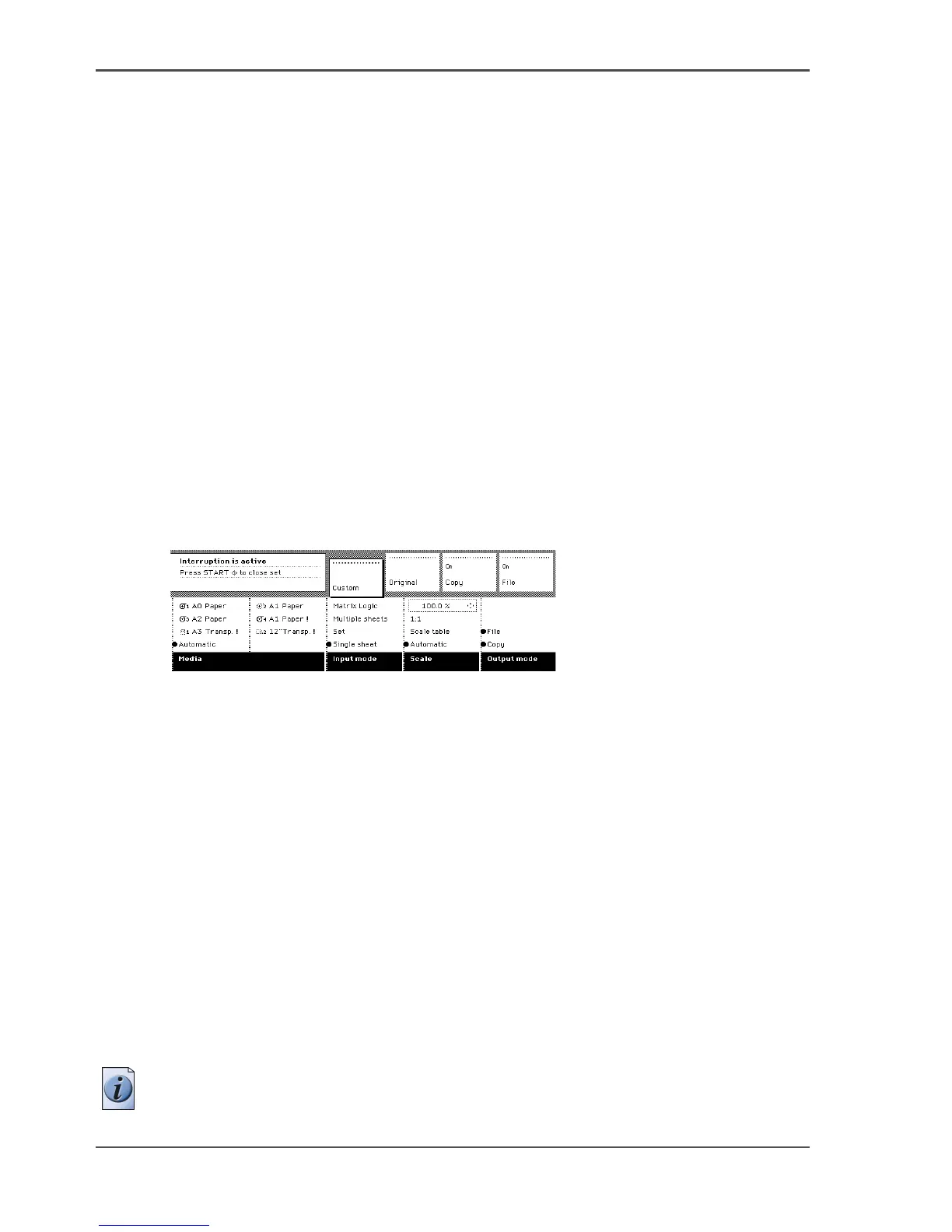
[123] Feedback on the scanner panel display when Job interrupt is selected
Interrupt a copy job
1. Press the Job interrupt key on the scanner operator panel.
The printer interrupts the active job and stops after the current page is printed. The
'Scheduled jobs' area in the Power Logic
®
controller application displays the
interrupt job in the list at the active job position.
The 'Scheduled jobs' area marks the interrupted job with an icon.
The 'Scheduled jobs' area also marks the interrupt job with an icon.
The 'Scheduled jobs' area changes the Exit interrupt button from grey into coloured
and changes this button into the active condition.
2. Make copies (see ‘Make copies’ on page 180).
3. Press the Job interrupt key again to do another interrupt job. Press the Exit interrupt
button in the 'Scheduled jobs' area to continue with the interrupted job and collect
the output at a later time. Collect the output and press the Exit interrupt button at the
'Scheduled jobs' area to continue with the interrupted job.
Note: An interrupt job cannot interrupt another interrupt job.












 To Next Page