375
Paper jam in the manual feed section
Paper jam in the manual feed section
How to clear a jam in the manual feed section
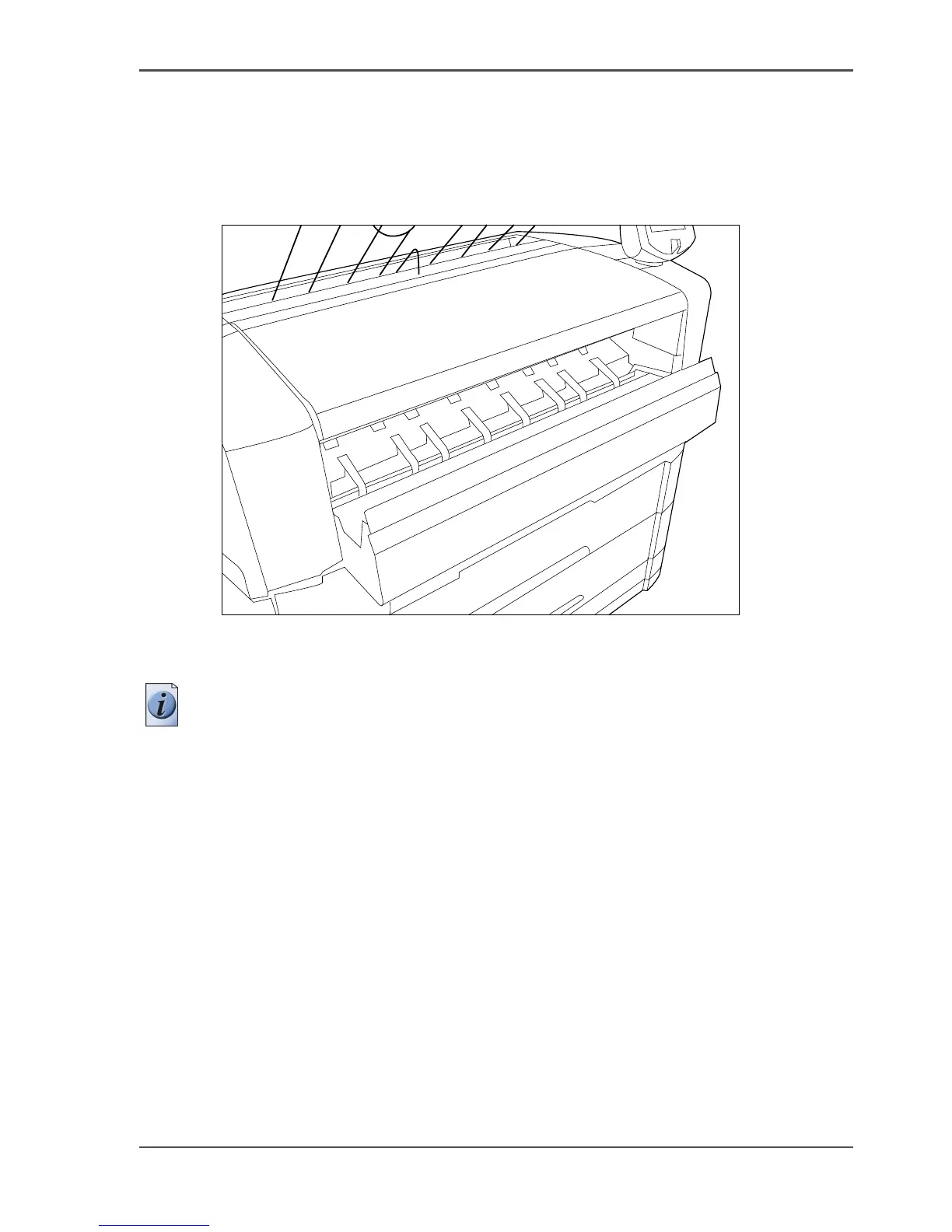
1. Open the manual feed by tilting it towards you, see the illustration below.
[245]
[245] Open manual feeder
2. Remove any jammed printing material.
Note: If the material cannot be removed easily, you must open the cover of the
fusing section to get access to the jammed material. Otherwise, the OPC drum may
become damaged.
3. Close the manual feeder again.












 To Next Page