377
Paper jam in the cut sheet section
Paper jam in the cut sheet section
How to clear a paper jam in the sheet feeder
1. Open the appropriate sheet feeder.
Note: Only one sheet feeder can be open at a time.
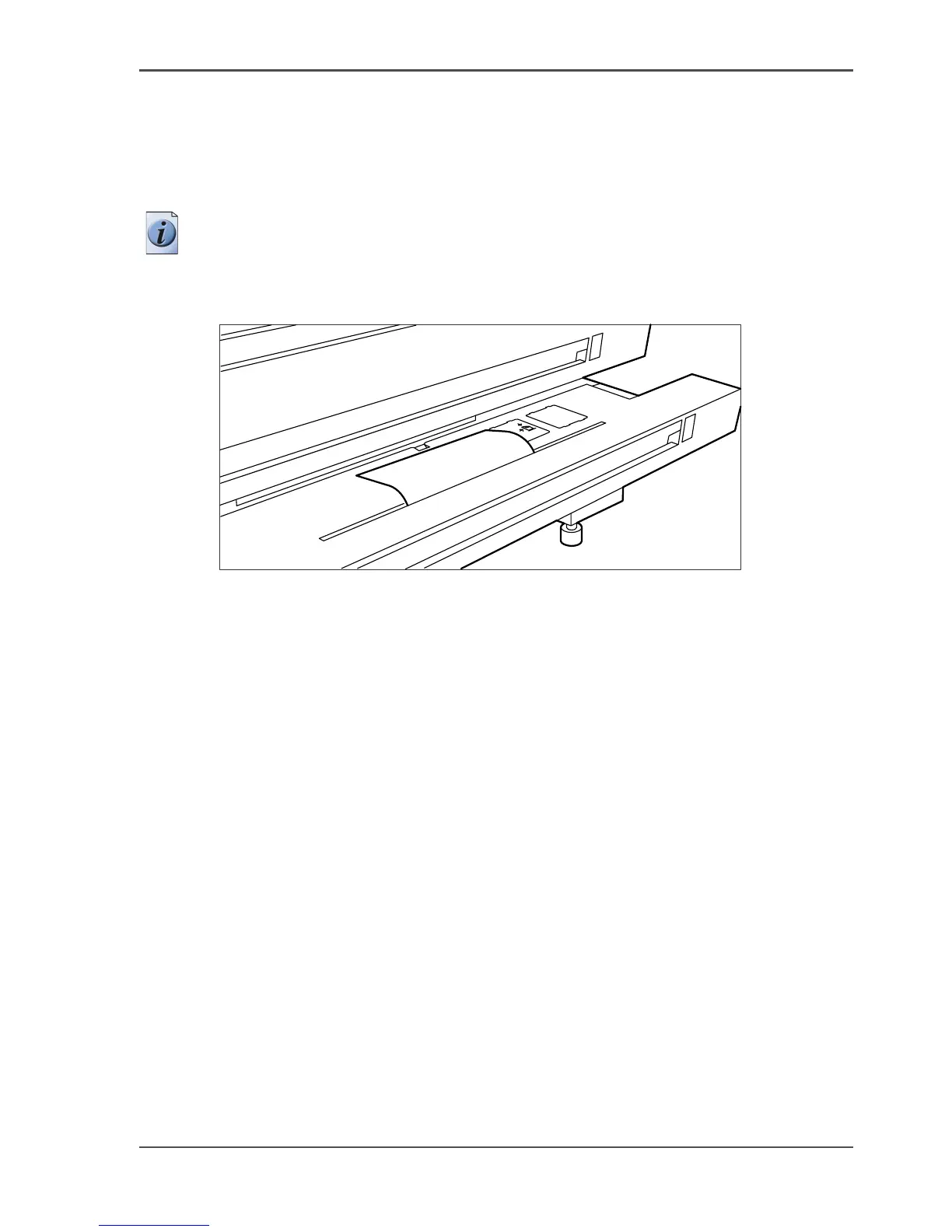
2. Remove any jammed printing material from the paper path, see the illustration
below.
[246]
[246] Remove jammed material from the paper path
3.
Close the sheet feeder again.
If the covers of the sheet feeder are still highlighted in the illustration on the scanner
operator panel, re-check the sheet feeder section.












 To Next Page