65
Clear the set memory
Clear the set memory
Purpose
You can clear the set memory in the Océ TDS700 Power Logic
®
controller
application but it is also possible to clear the set memory directly on the printer
operator panel.
When to do
When the system is blocked due to a corrupt job or when the set memory is full.
Before you begin
Access the Administrator only menu (see ‘Access the 'Administrator only' menu’ on
page 59)
Attention: Make sure there are no active print jobs because you must restart the
controller after you have chosen to clear the set memory (see ‘Turn on and off the
controller’ on page 39). Please take note that all the jobs will be cleared from the
memory.
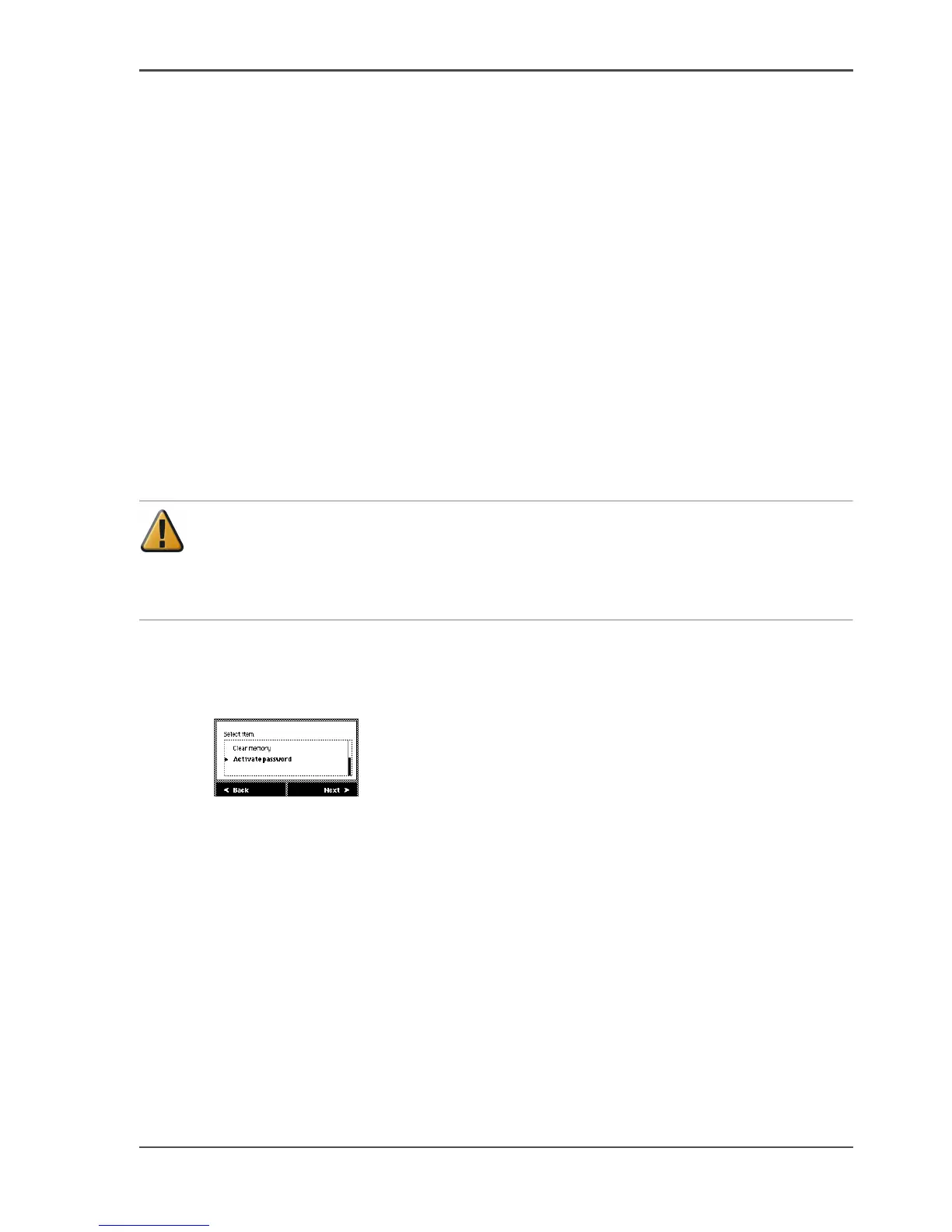
Illustration
[30]
[30] Clear the set memory
Clear the set memory
1. Use the Up/down key at the right hand side of the operator panel to scroll through
the items in the list.
2. Select the 'Clear memory' menu option.
3. Press Next to clear the set memory.
4. Press Ok to confirm.
5. A message informs you that you must restart the controller.












 To Next Page