173
Sections on the scanner operator panel
[101]
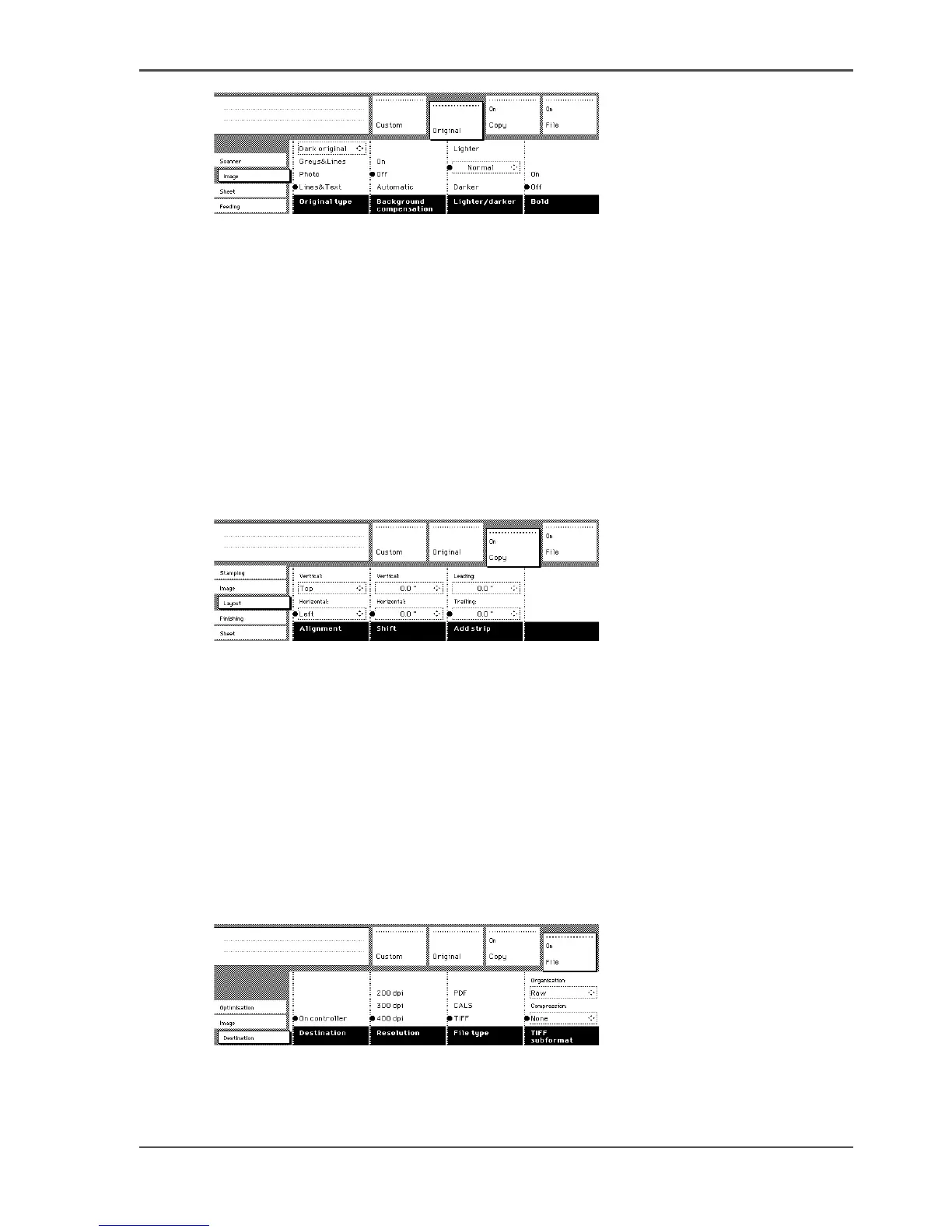
[101] Original section
Print section
The ‘Print' section contains all settings for the printer output, the print.
The settings are divided over the following cards.
■ Stamping (optional)
■ Image
■ Layout
■ Finishing
■ Sheet
[102]
[102] Print section
File section
The ‘File’ section contains all settings for the scan-to-file output, the file. The ‘File’
section is only available if you have the scan-to-file option installed .
The settings are divided over the following cards.
■ Optimization
■ Image
■ Destination
[103]
[103] File section












 To Next Page