44 Chapter 2 Use the Océ TDS700 to print a job
The printer operator panel
Actions on the printer operator panel
The printer operator panel
Introduction
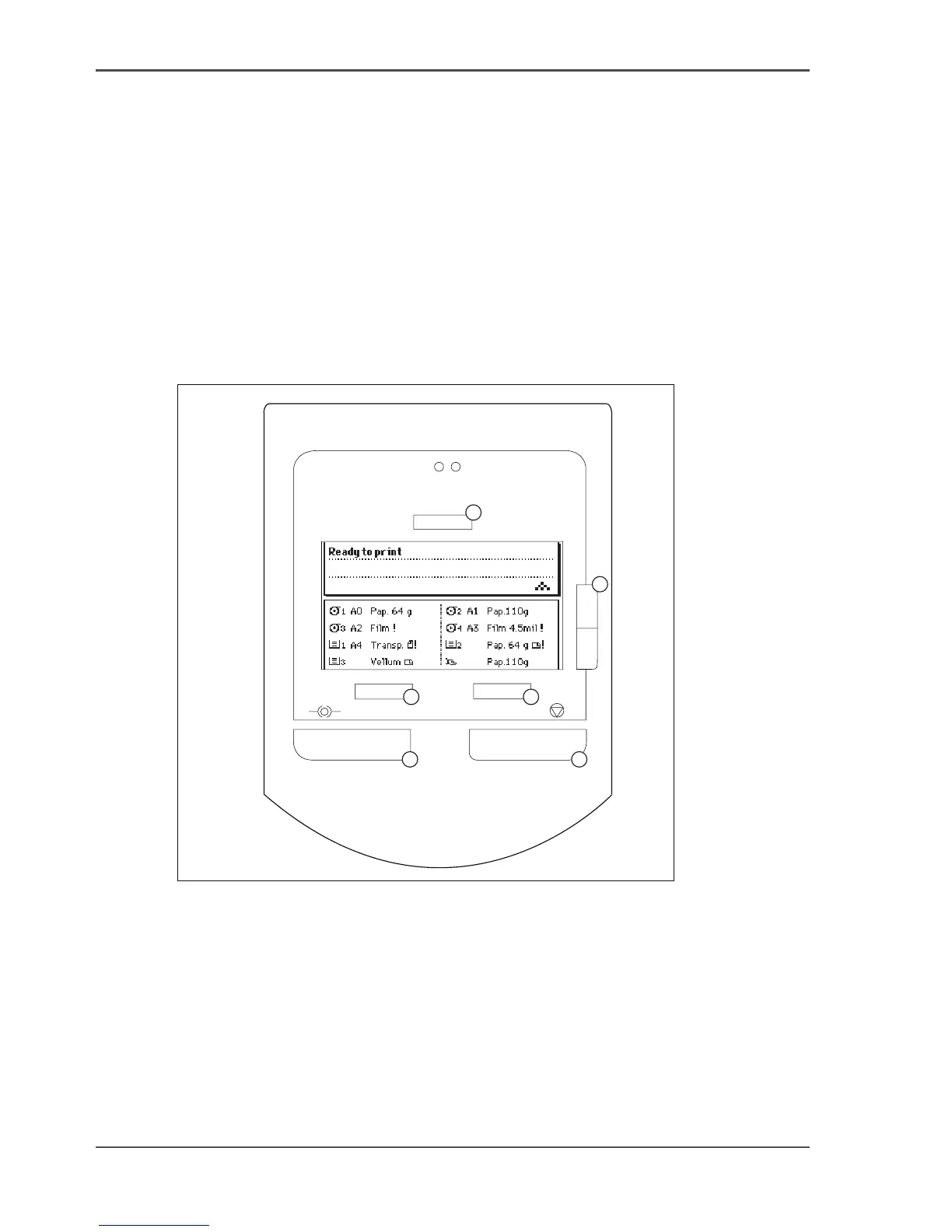
The printer operator panel consists of a number of keys and a graphical display .
At the top of the panel you will find an attention light which starts flashing when
operator intervention is required. If enabled you will also hear a buzzer to alert you
in case operator intervention is needed.
[11]
[11] Printer operator panel
The display
The graphical (LCD) display offers feedback about the current printer status. It
provides you with the following information.
■ Status information (e.g. ‘Preparing for run’ or ‘Ready to print’). During normal
operation the following message types may appear:
1
2
3
4
5
6












 To Next Page