137
Scan jobs management
[90]
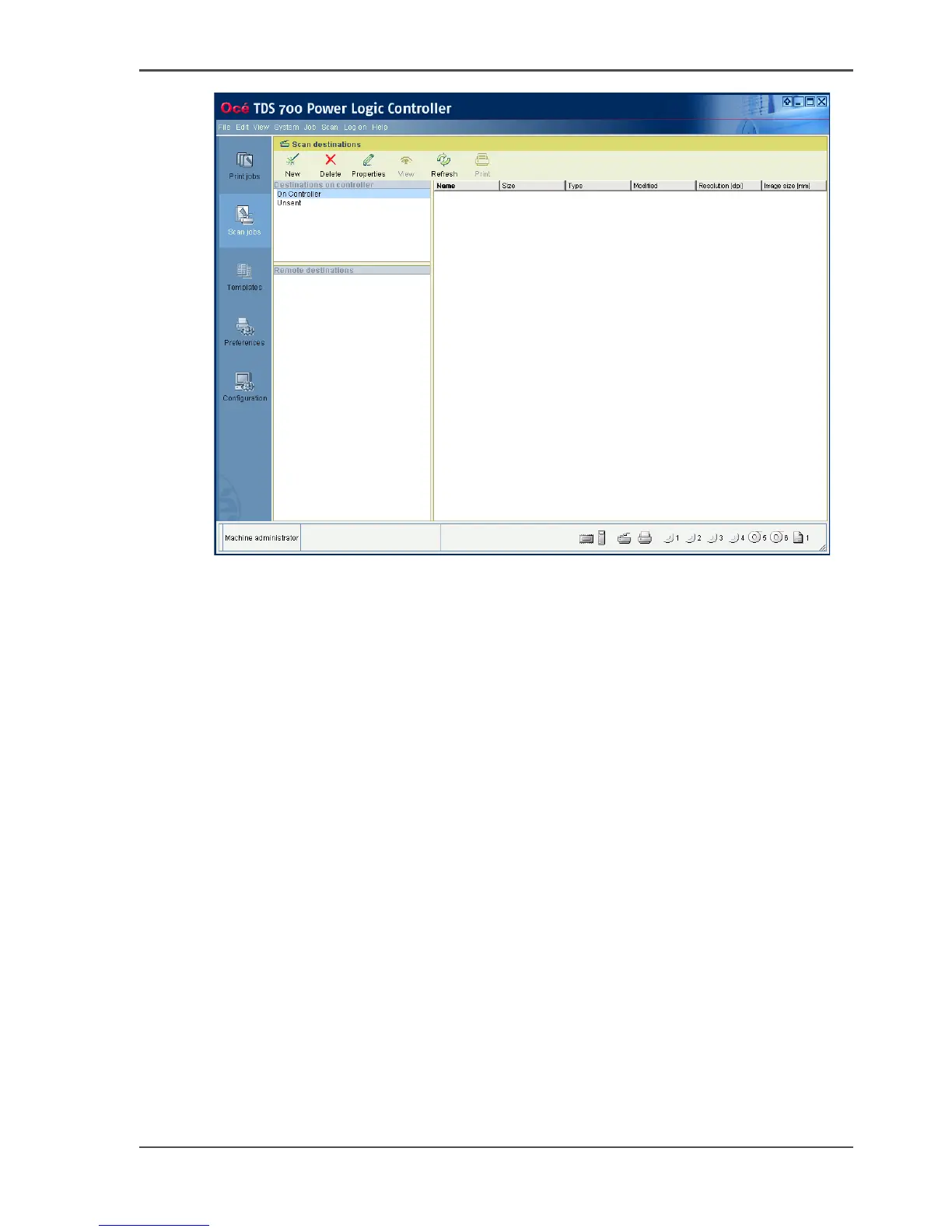
[90] Scan jobs workspace
Scan destinations on the controller
In this area of the workspace you find the default destination of the scan jobs. By
default, all the scan jobs are stored on the controller. The default scan job destination
cannot be deleted.
Use the toolbar at the top of the 'Scan jobs' workspace to create, edit and delete the
local scan job destinations on the controller.
The Scan destination area also gives access to the Unsent scan jobs folder. These
jobs must go to a remote destination but cannot be delivered. The jobs are
temporarily stored in the Unsent scans folder on the controller.
Remote destinations
You can create scan job destinations at a remote location instead of at a local
destination on the controller. The remote scan destinations area displays the remote
destinations that you create. The remote destination is a directory on a workstation
that is accessible through the network.
Use the toolbar at the top of the 'Scan jobs' workspace to create, edit and delete the
remote scan job destinations.












 To Next Page