161
Create a Matrix Job
Scan your Matrix Job originals
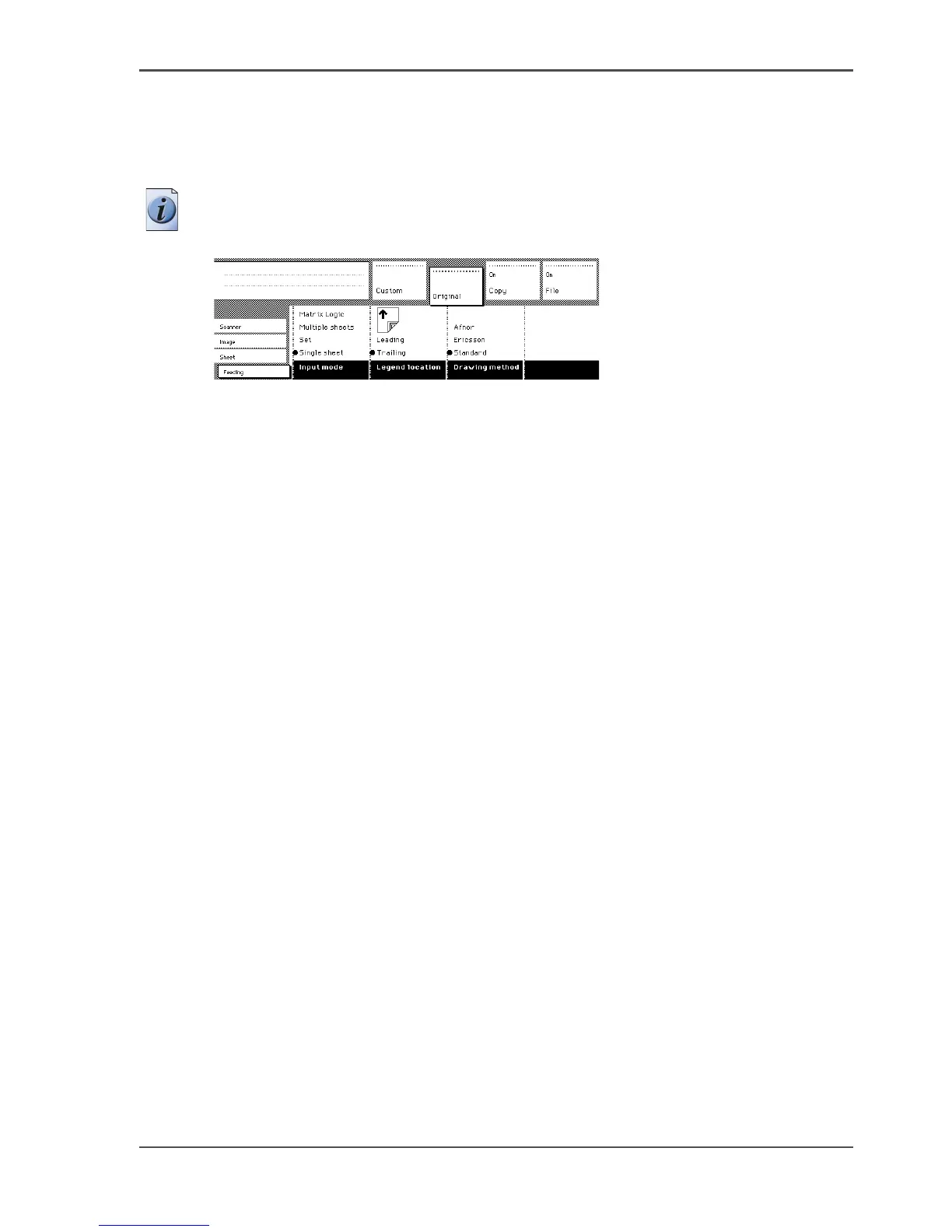
1. Open the 'Original' section on the scanner operator panel.
2. Select the 'Feeding' card.
3. Once the feeding card is open, use the 'Input mode' button to select 'Matrix Logic'.
Note: After you select Matrix Logic, the 'File' and 'Copy' sections as well as the
'Legend location' and 'Drawing method' cards on the scanner panel are disabled).
[96]
[96] Name
4.
Scan your entire set of originals (up to 100 originals), and remember to press the
green start button to close the set when you are done.












 To Next Page