345
Clean the scan area
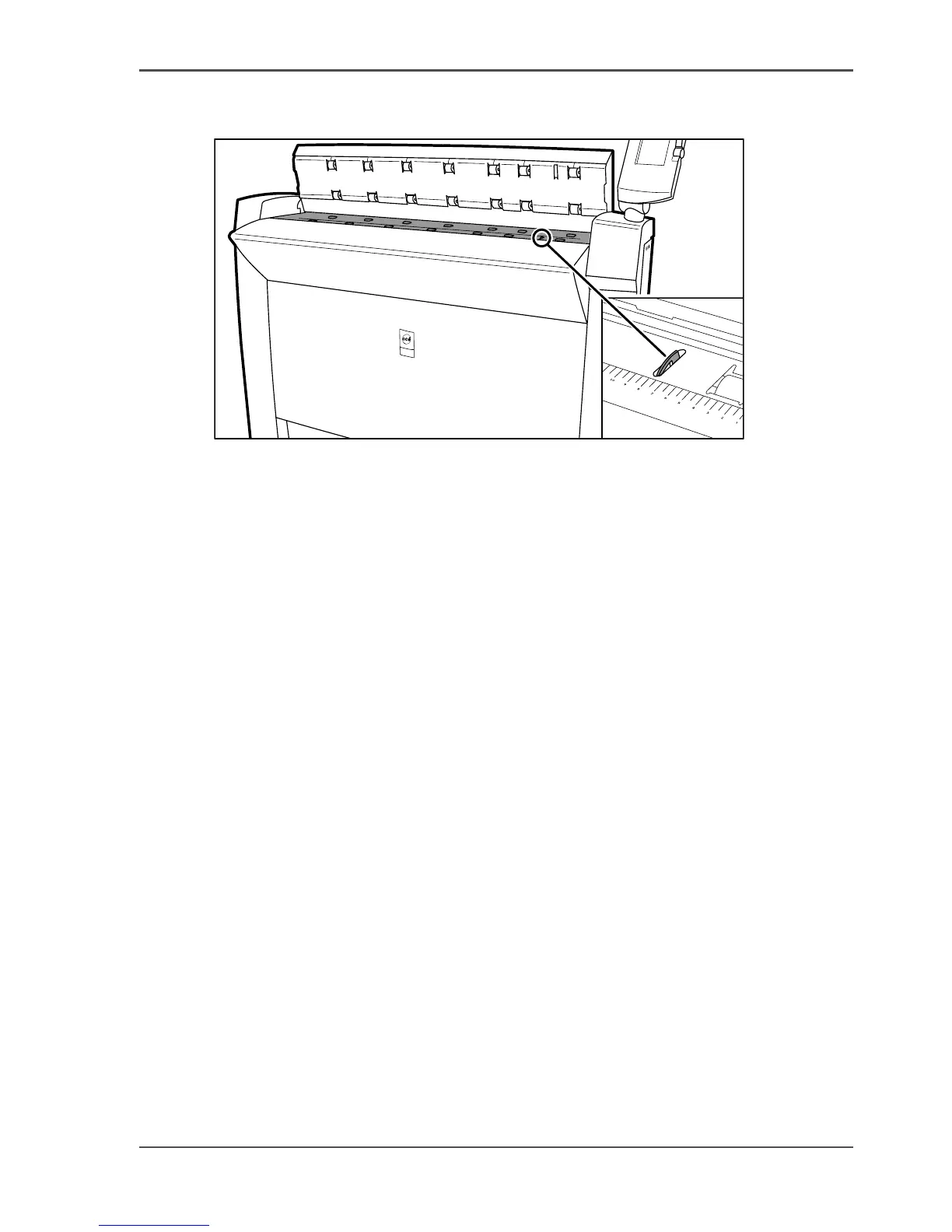
3. Clean the glass plate and the white plate with a lint-free cloth and a small quantity
of the cleaner.
[213]
[213] Do not damage the sensor at the right side in front of the glass plate.
4.
Dry the glass plate and the white plate with another lint-free cloth.
5. Clean the white plate.
6. Lift the top cover, turn the top cover towards you and push the top cover down until
you hear or feel a click.
7. Turn on the Océ TDS700 scanner.












 To Next Page