357
Load rolls of media
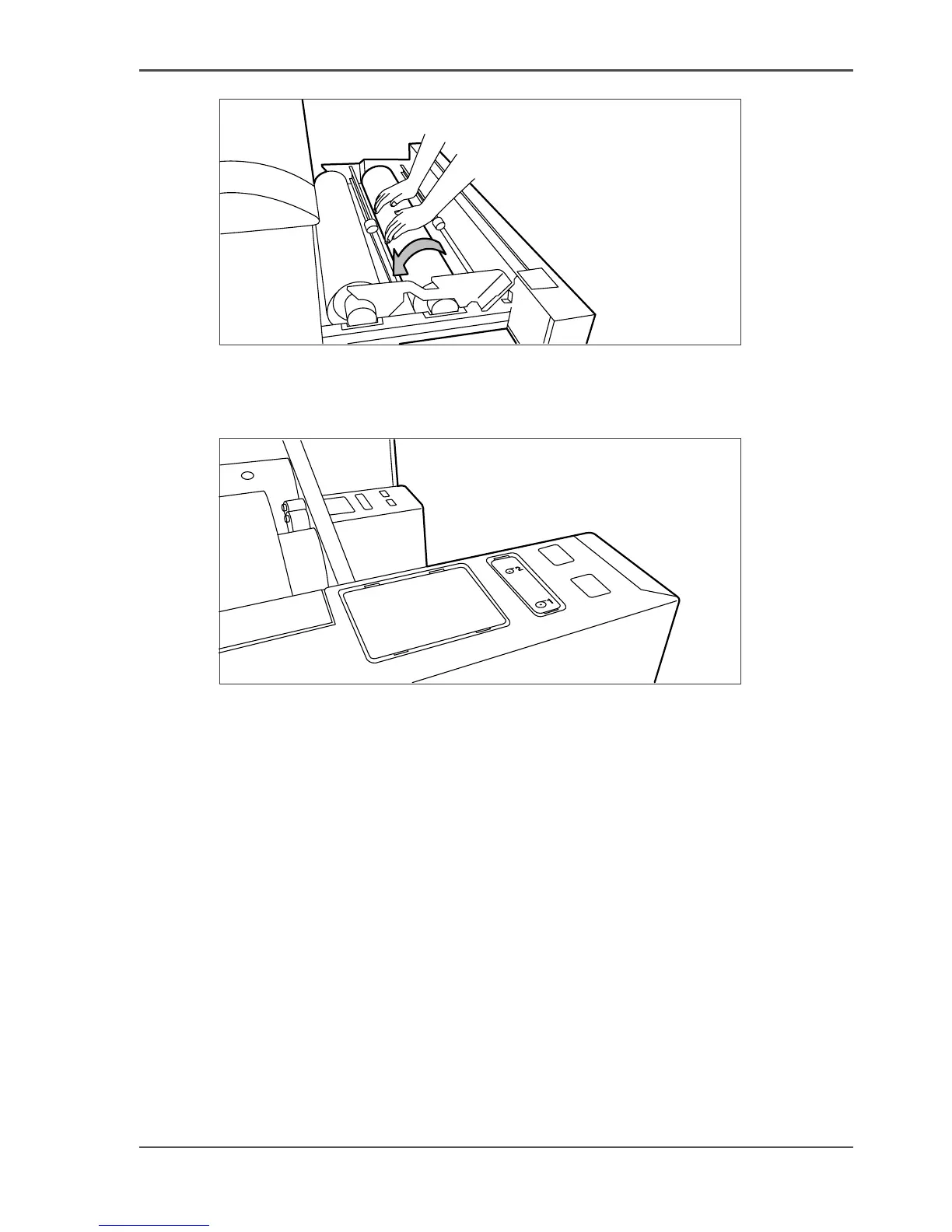
[228]
[228] Use both hands
9.
Press the appropriate green key inside the paper roll drawer. The material will
automatically be fed into the machine. Also refer to the sticker inside the drawer.
[229]
[229] Buttons for feeding and cutting the paper
10.
Press the green button a second time to cut off the material protruding from the paper
path.
11. Remove the scrap material.
12. Close the roll drawer.


 To Next Page
 Loading...








